Skip to content

IT service companies · Zoho One partner for US tech firms · Los Angeles

Your entire IT service business, one connected Zoho setup

Sales, delivery, hiring, billing and support finally reading from the same records, with GitHub and AWS still doing the engineering.

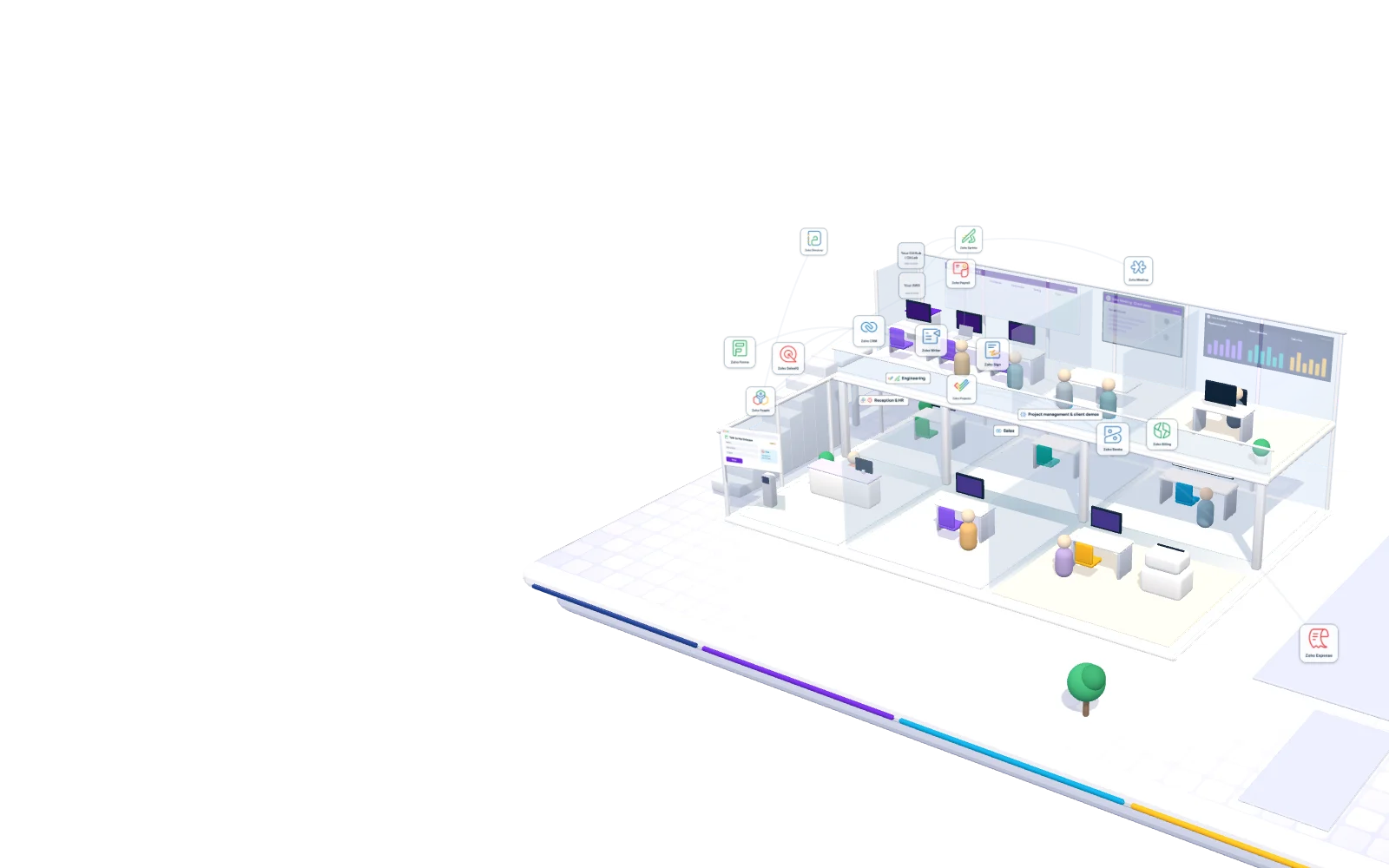
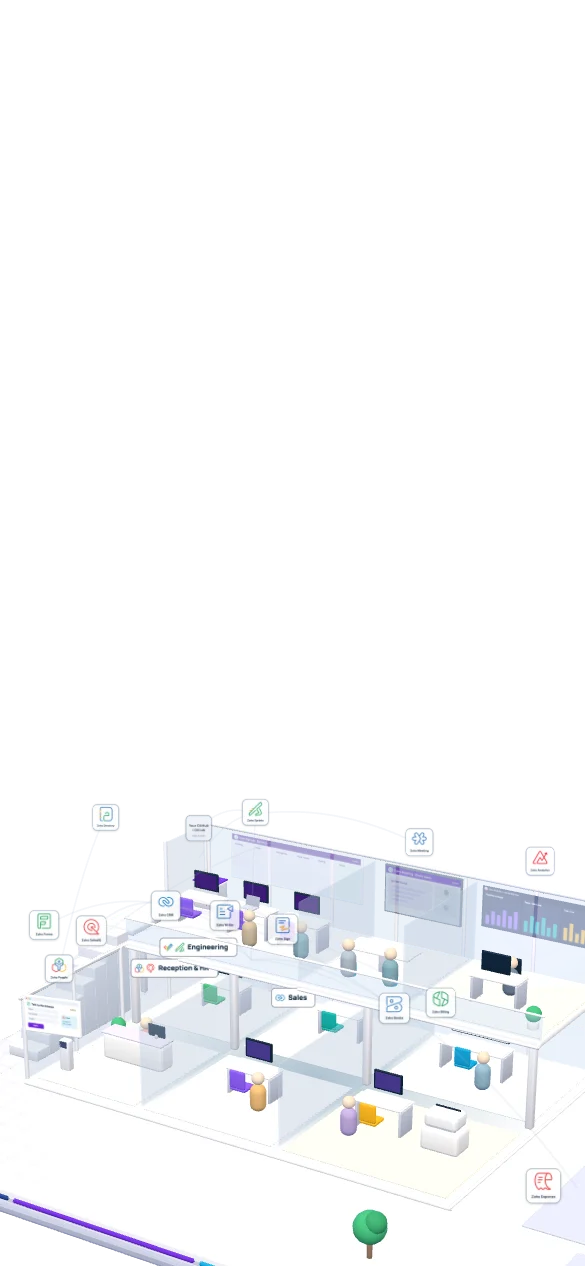
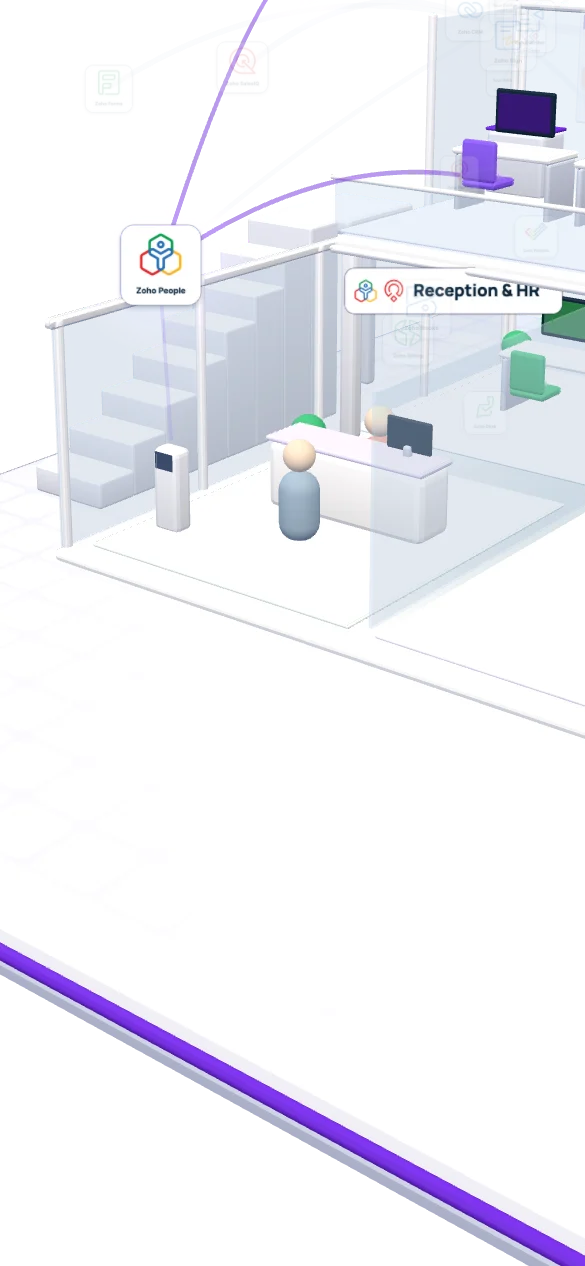
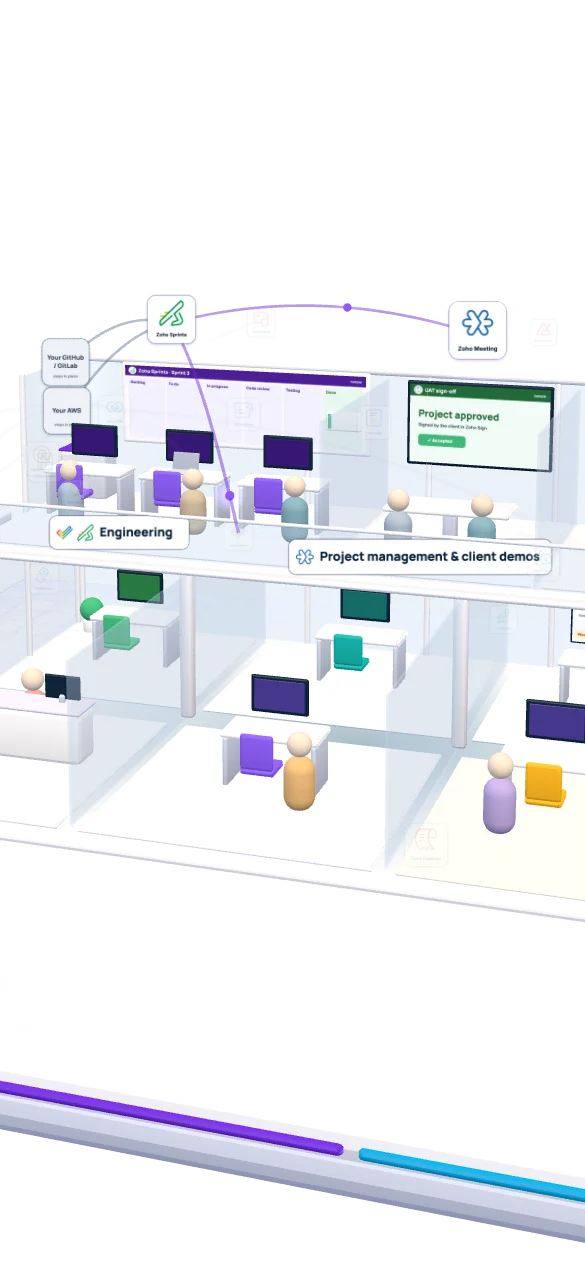
Scroll through one fictional company, Northbeam Software, and watch a single client travel from first click to renewal.

  • Mayasales lead
  • Leolead developer
  • Danafinance and operations
  • RachelHR
  • Fictional · about 120 people
Zoho Advanced PartnerCertified Zoho consultants
You’ll talk to our senior team, not a call center.300+ projects · opened in Glendale in 2025

01A lead arrives

What happens when a buyer lands on your website at 9:40 pm?

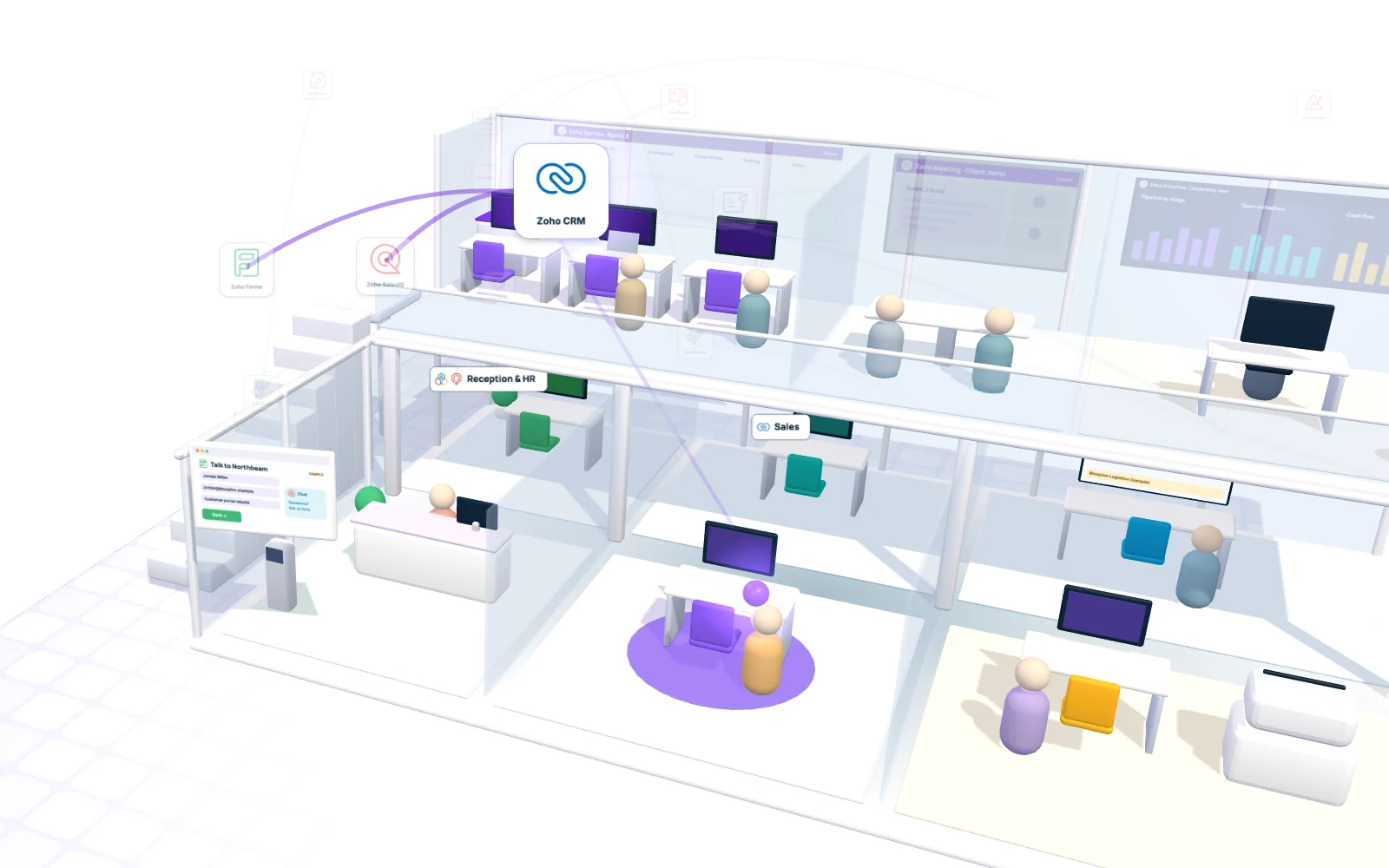
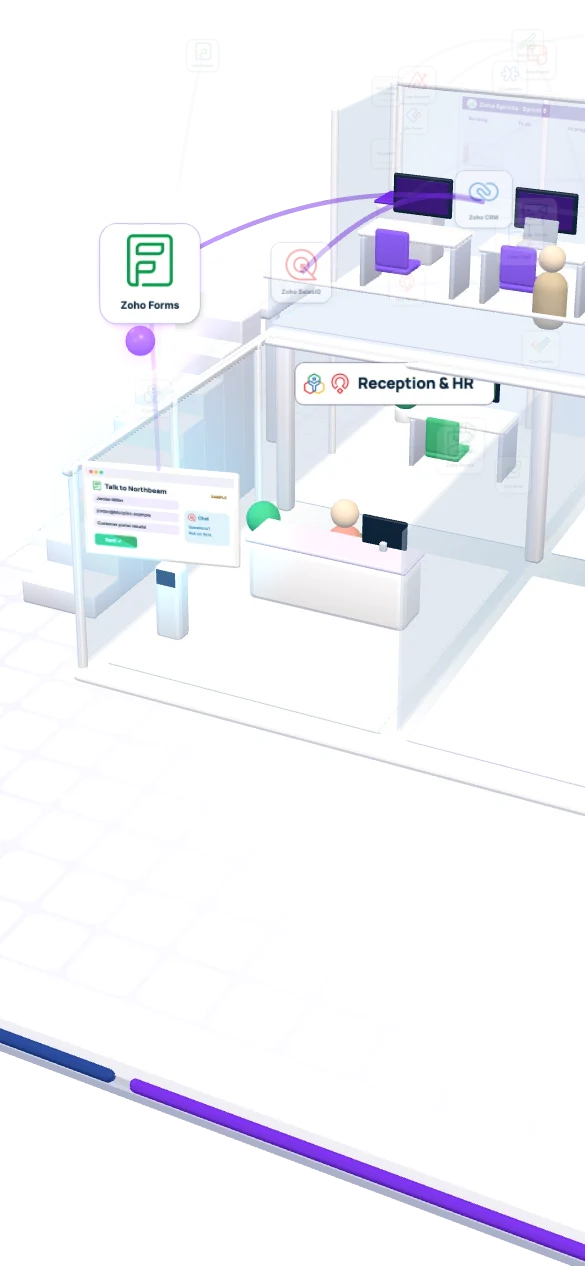
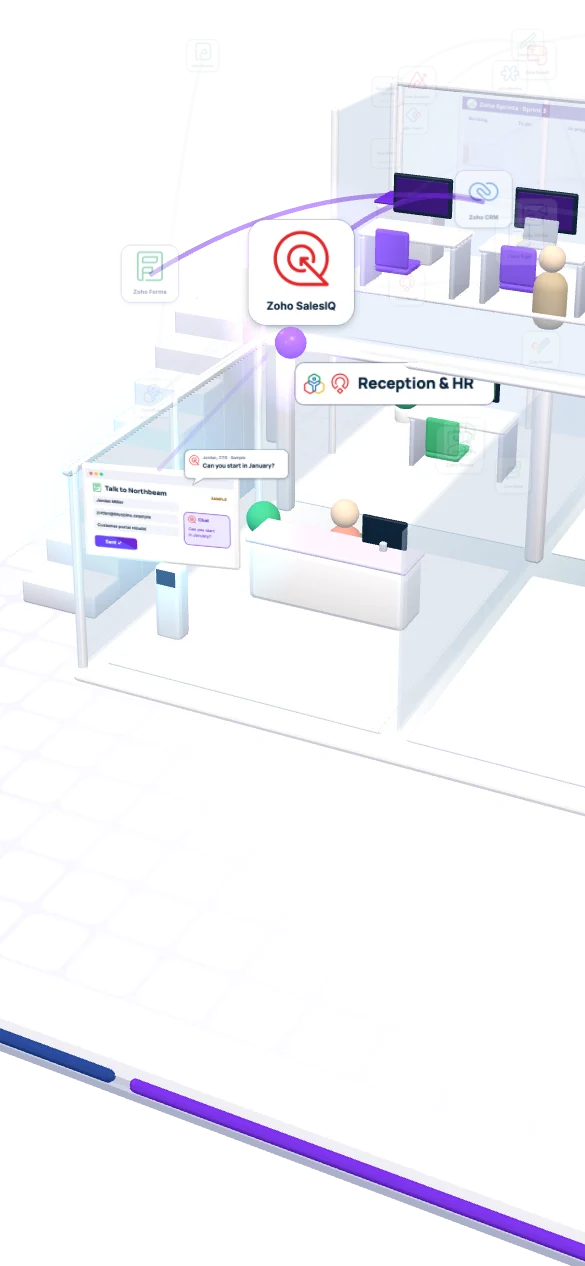
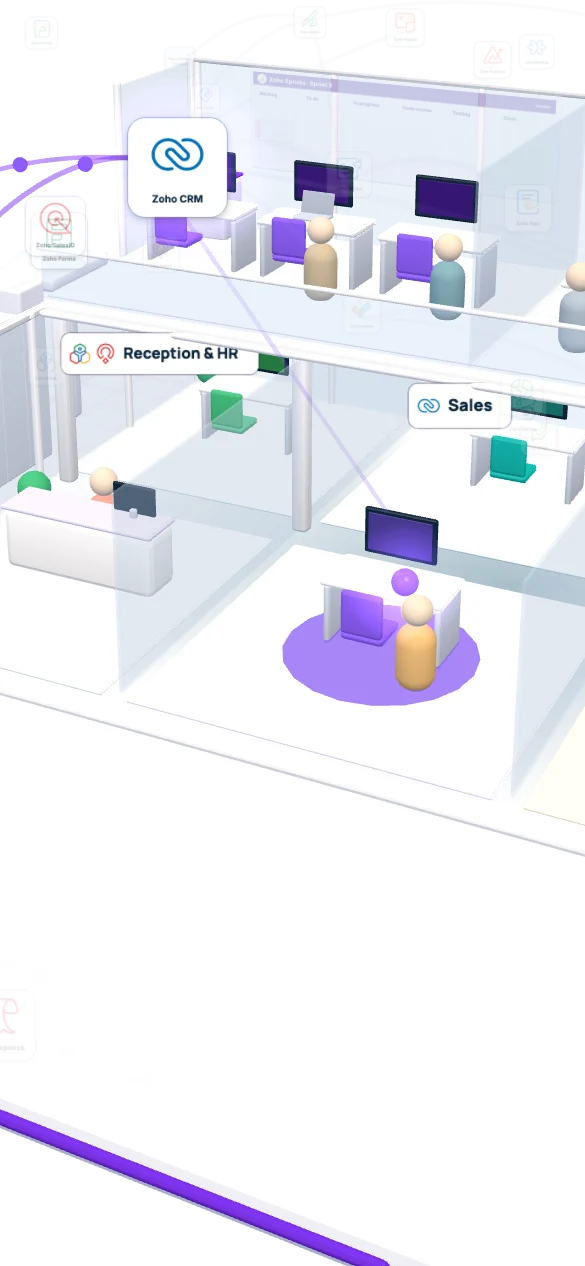
A CTO at a logistics firm sends the project form. Zoho SalesIQ, already on the page, picks up the same visit with a quick chat. Both land in Zoho CRM as one lead, with the answers and the chat attached, assigned to Maya by morning.

  1. Forms
  2. SalesIQ
  3. CRM
Project enquiry · Zoho FormsSample
Name
Jordan Miller
Work email
jordan@bluepine.example
Company
Bluepine Logistics (fictional)
Project
Customer portal rebuild
Budget
$80K to $120K
Same visit · Zoho SalesIQSample
  • Jordan, CTOCan you start in January?
  • NorthbeamJanuary works. Maya, our sales lead, will email you by 9 am.

Pages visitedHome, Customer portals, Contact

Lead · Zoho CRMSample
Company
Bluepine Logistics (fictional)
Need
Customer portal rebuild
Source
Website form + chat
Owner
Maya · sales lead
Next step
Discovery call, Thursday 10 am PT
Behind the scenes
  • Zoho SalesIQChat on every page, plus which pages the visitor read
  • Zoho FormsThe project enquiry form with budget and timeline fields
  • Zoho CRMOne lead record, assigned by territory and deal size

02Deal won

How does a lead become a signed project without a single copy-paste?

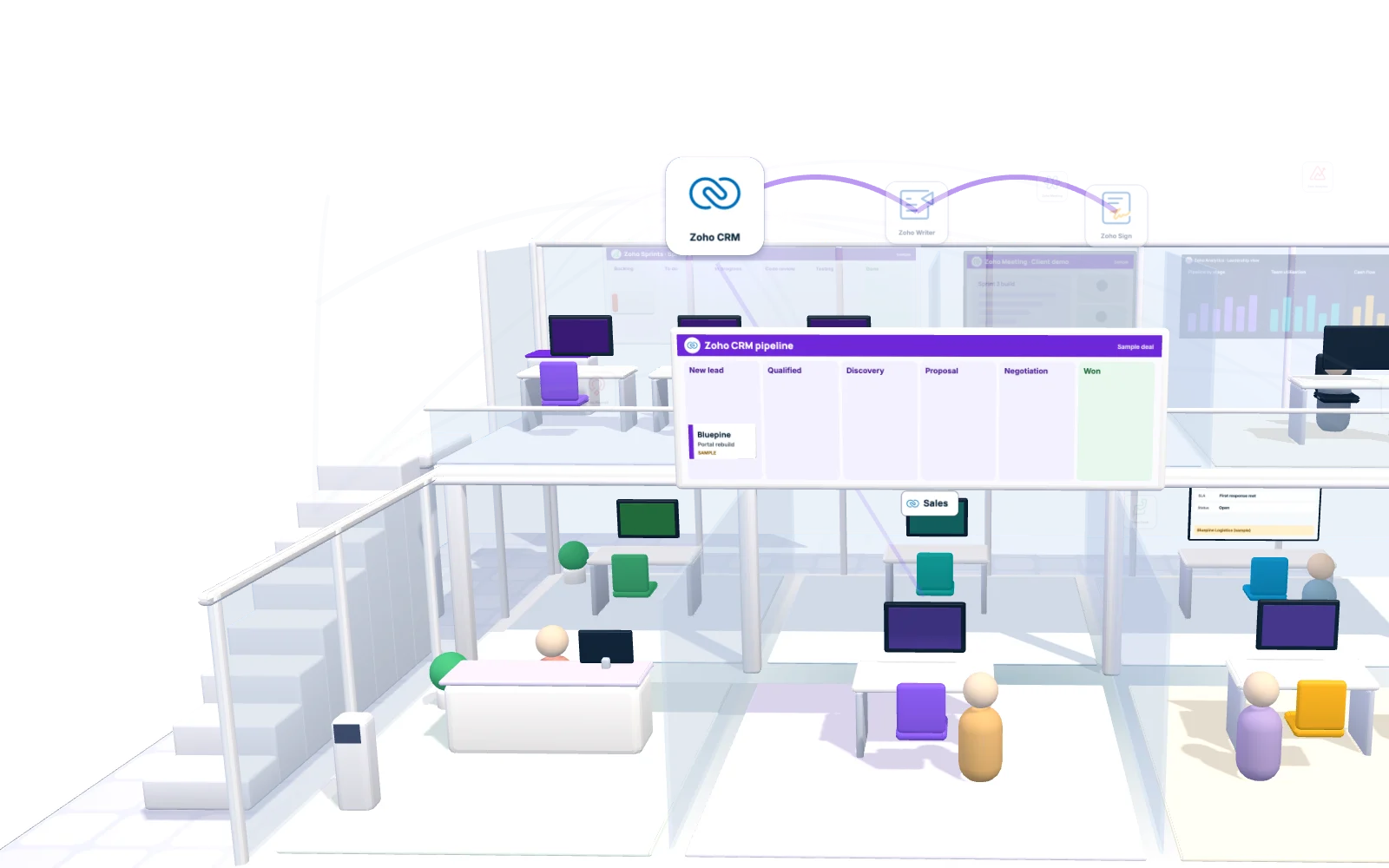
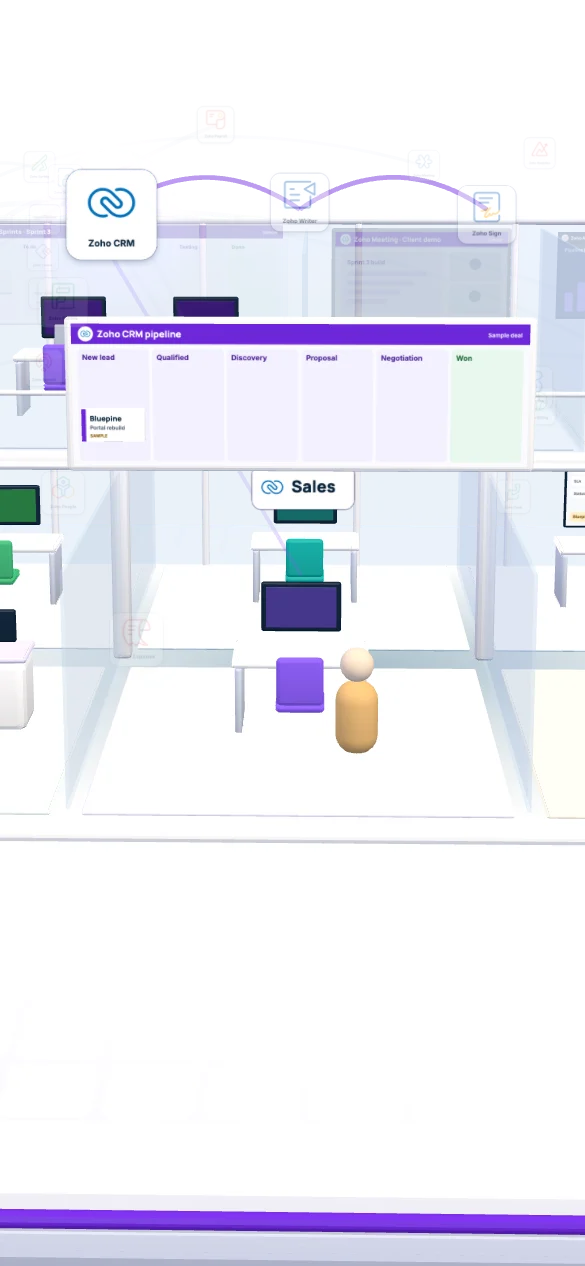
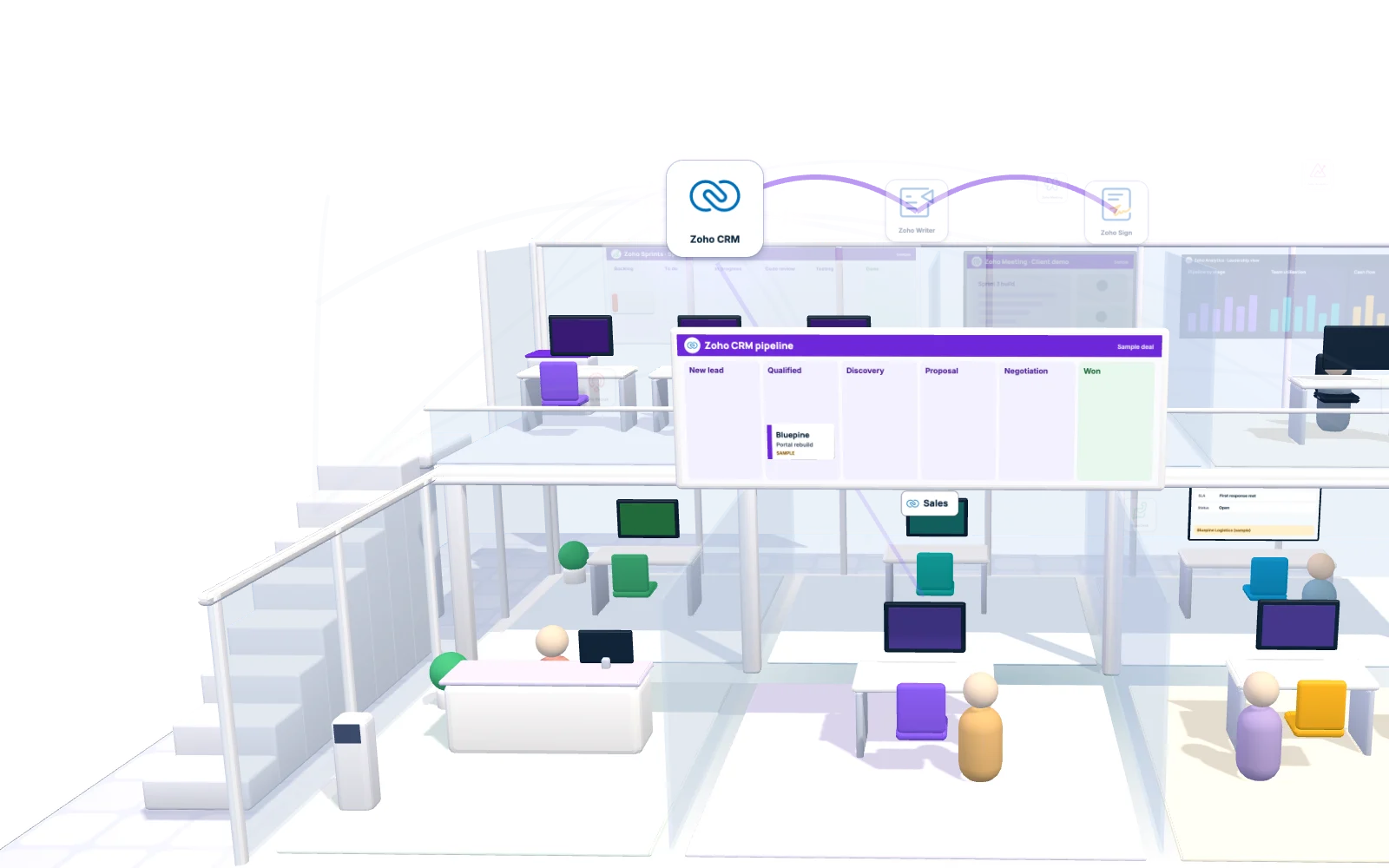
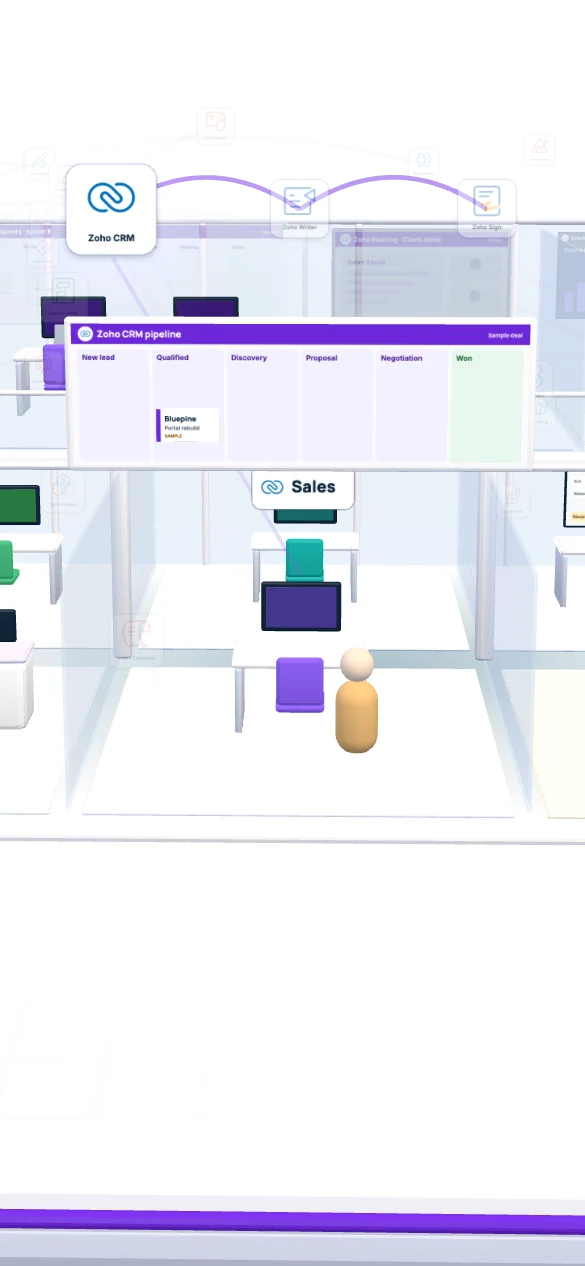
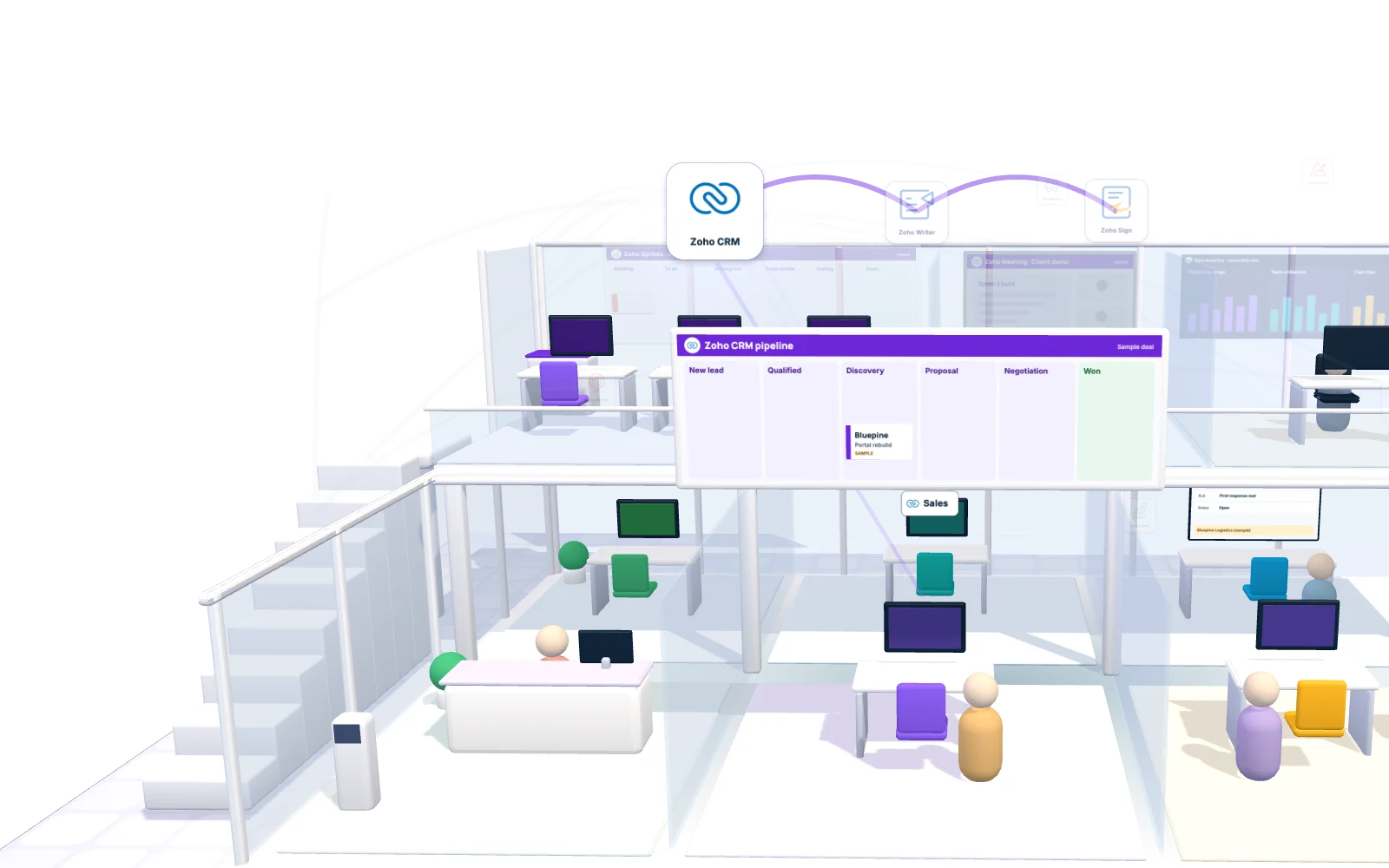
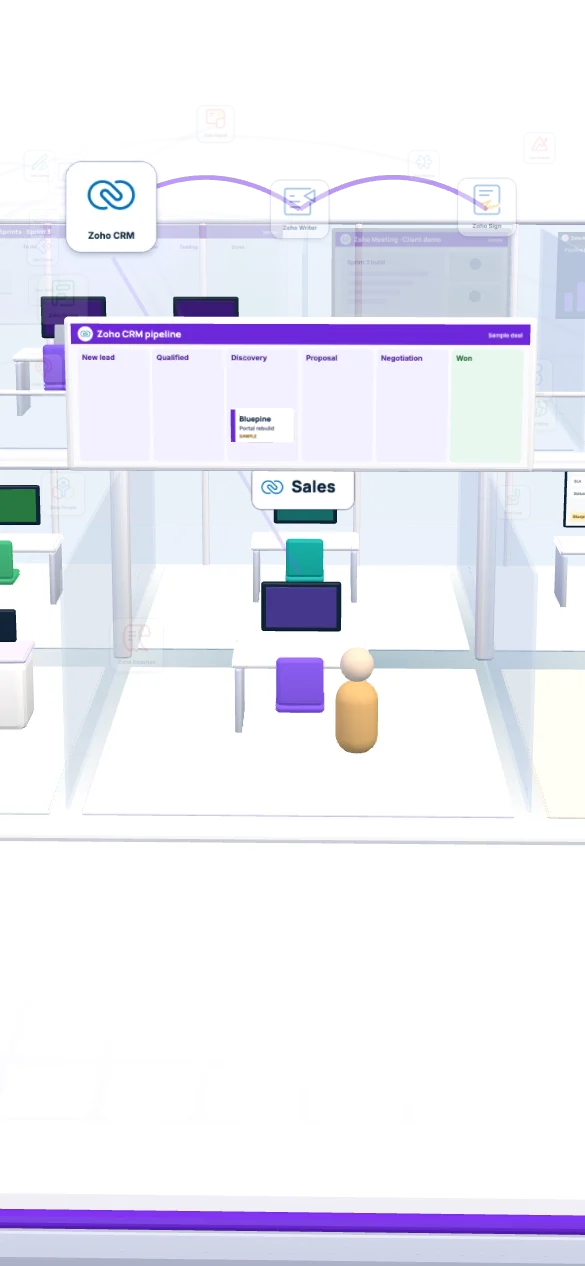
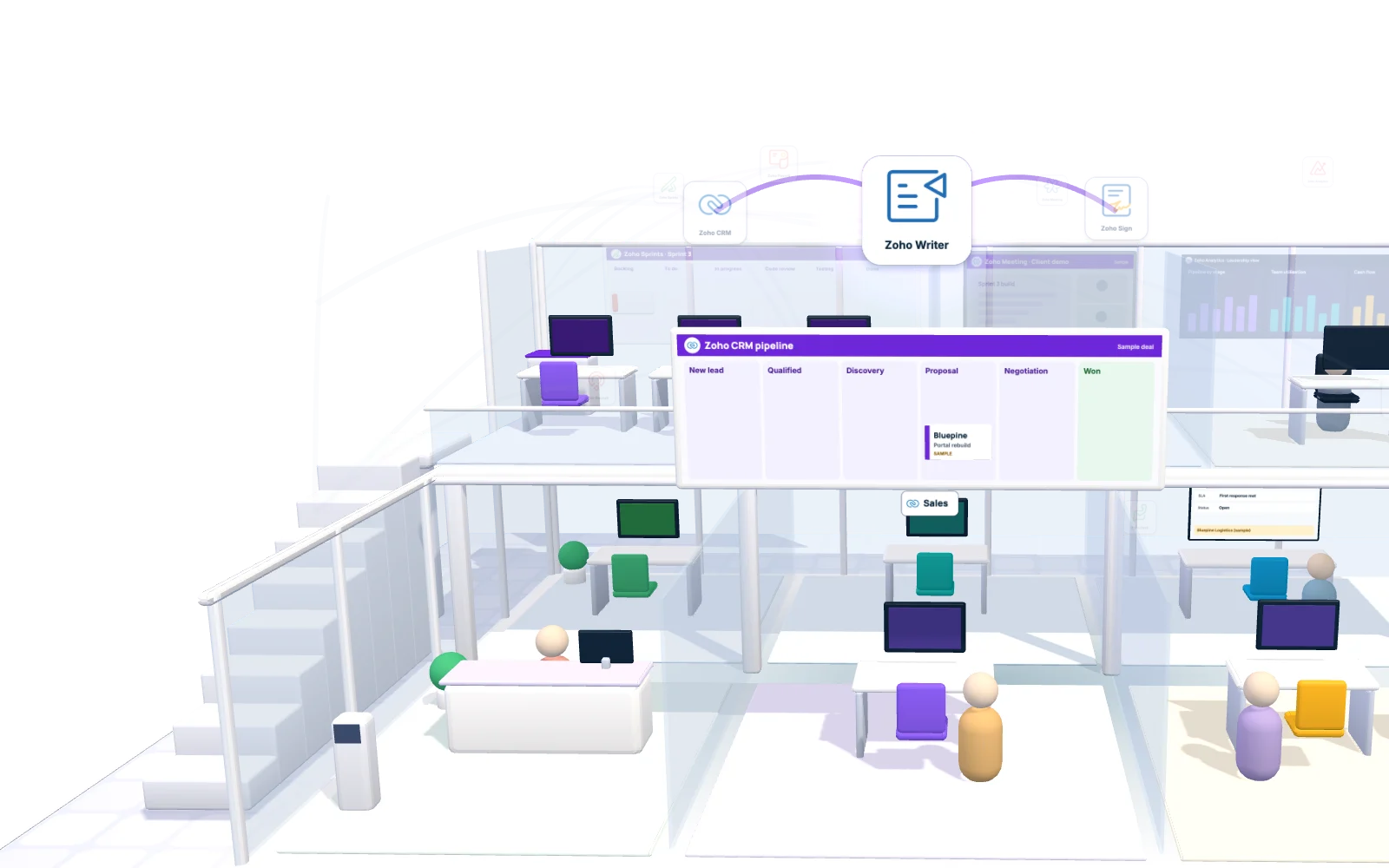
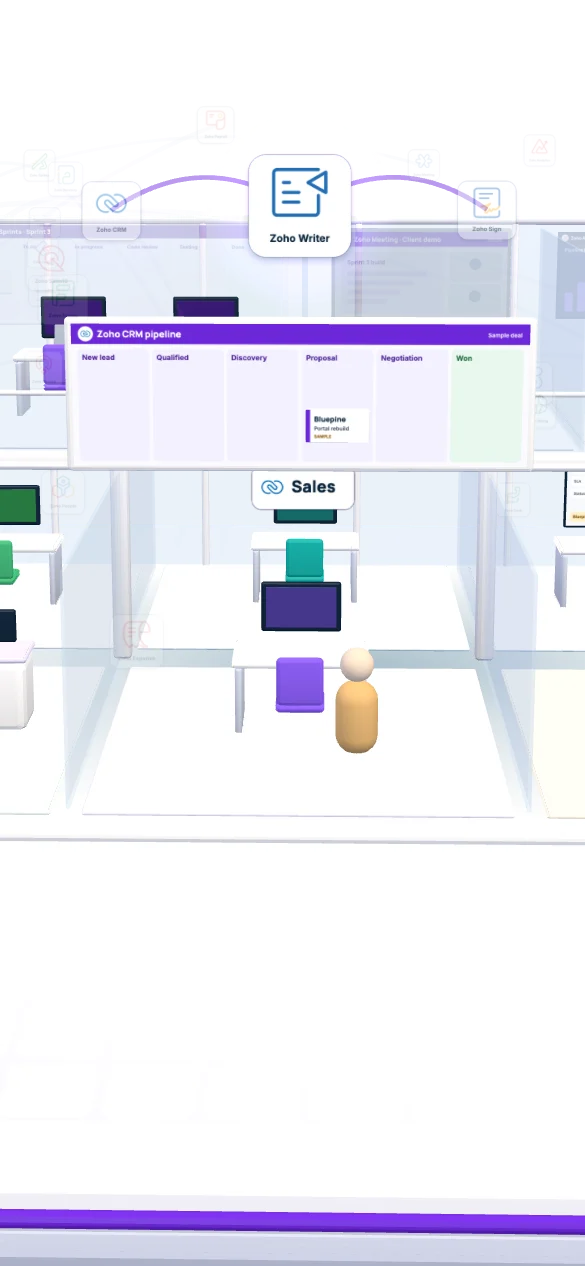
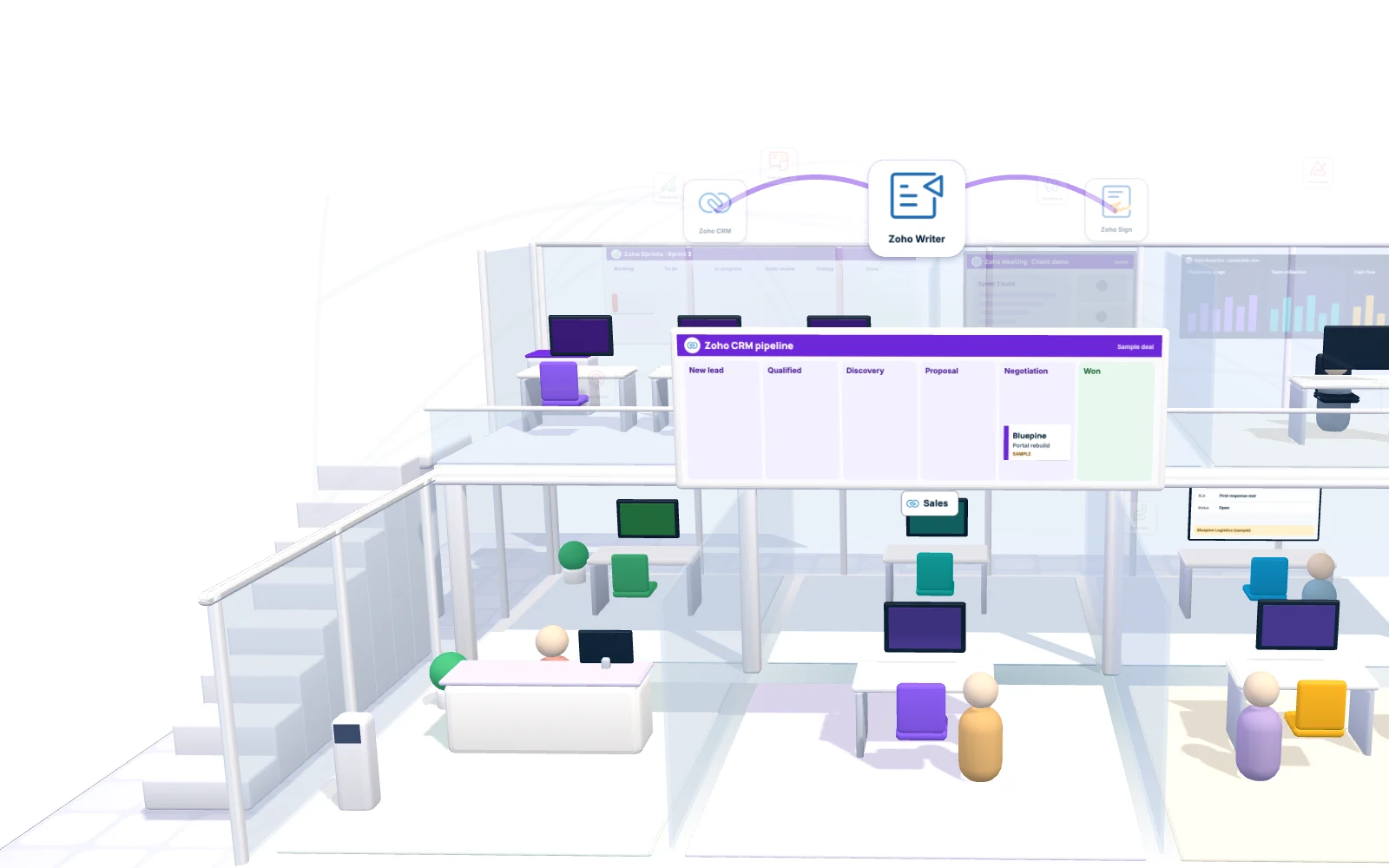
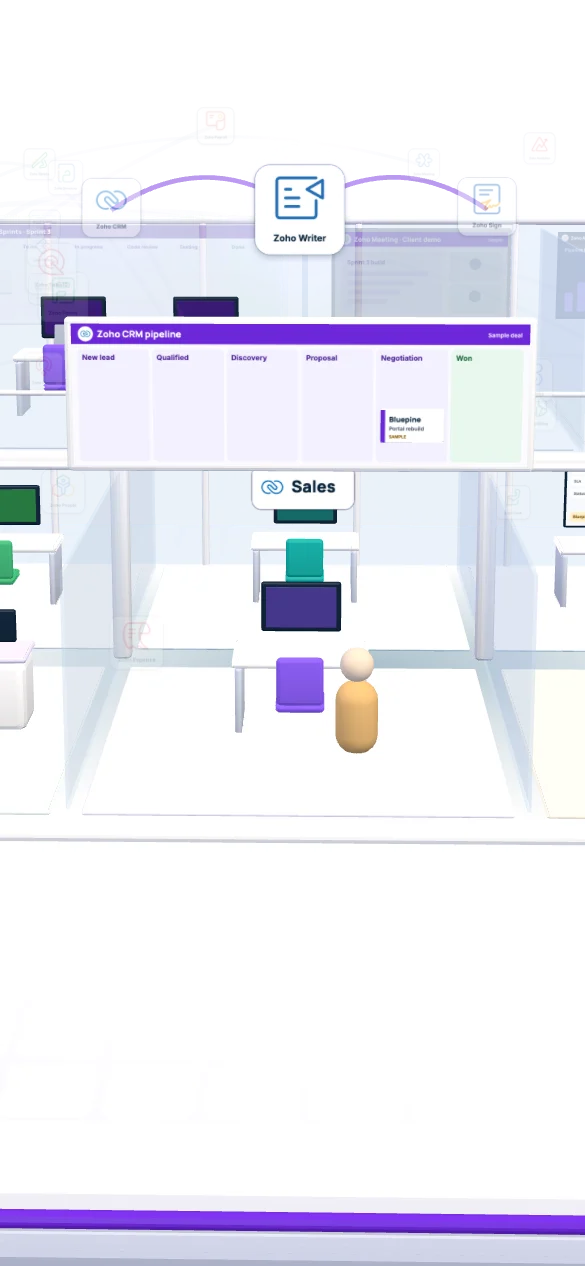
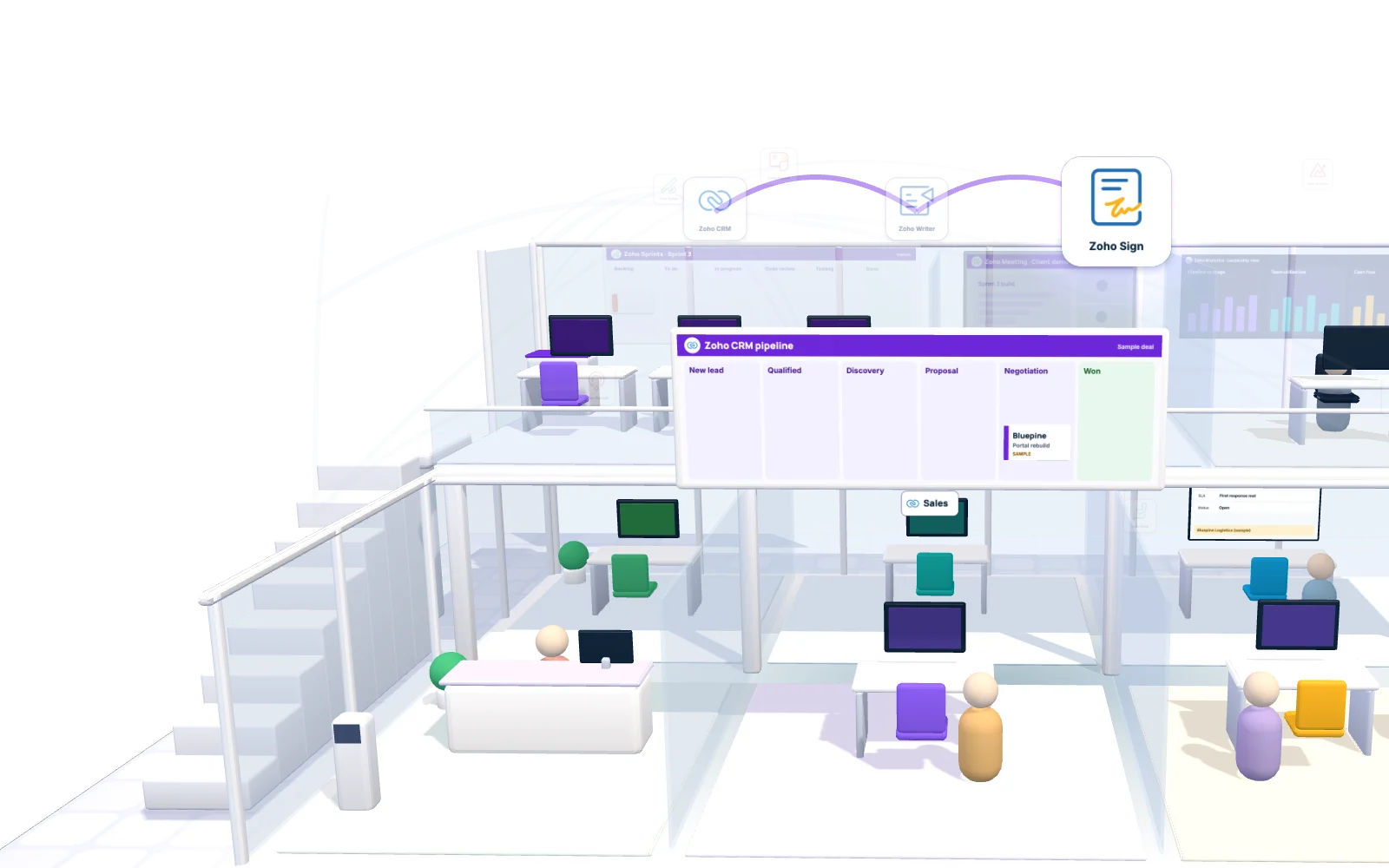
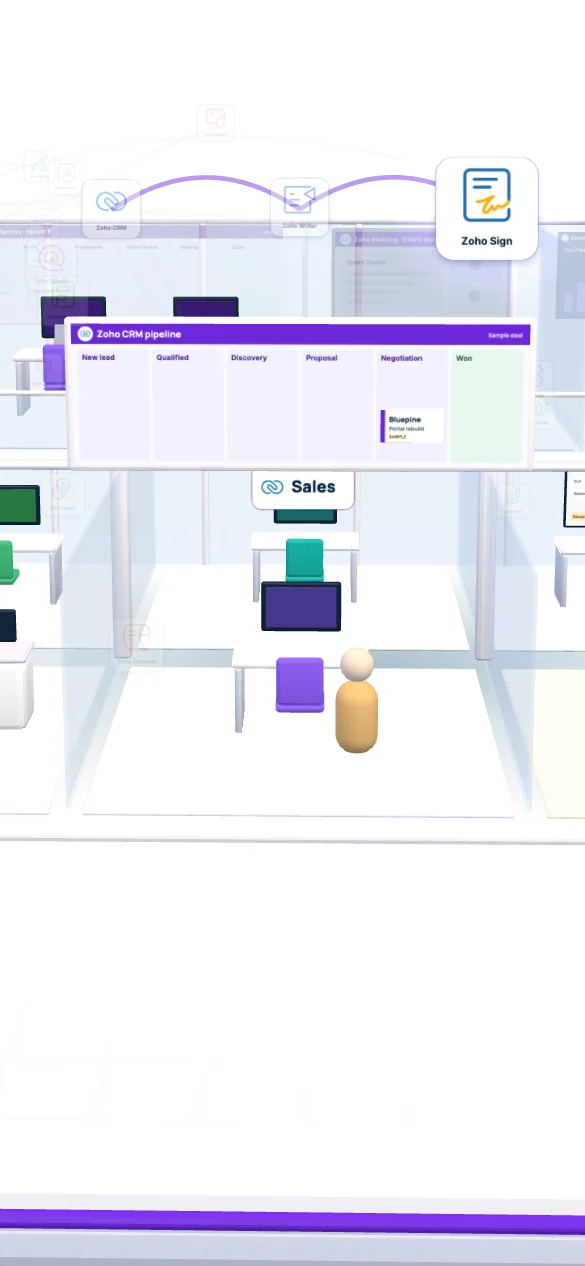
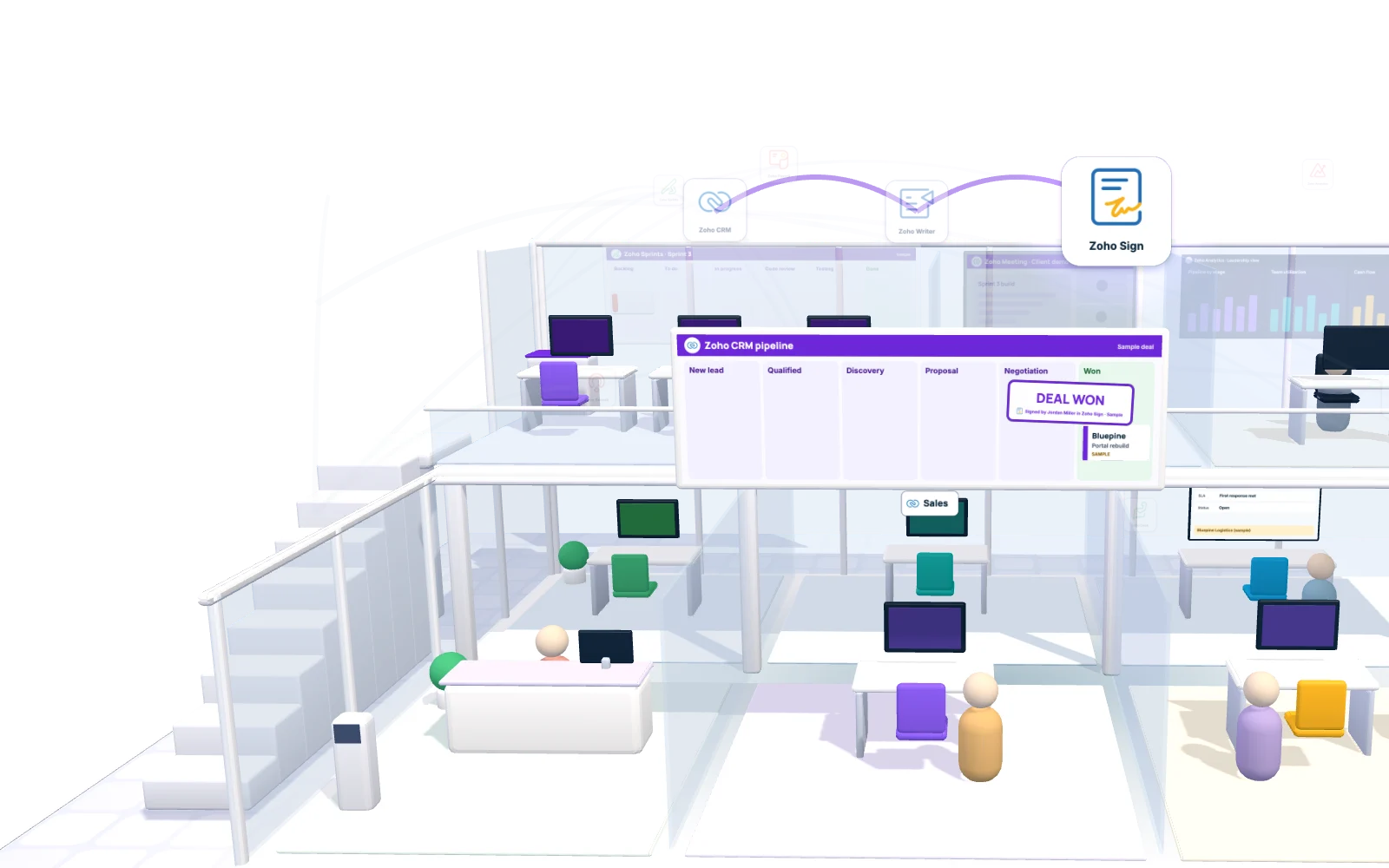
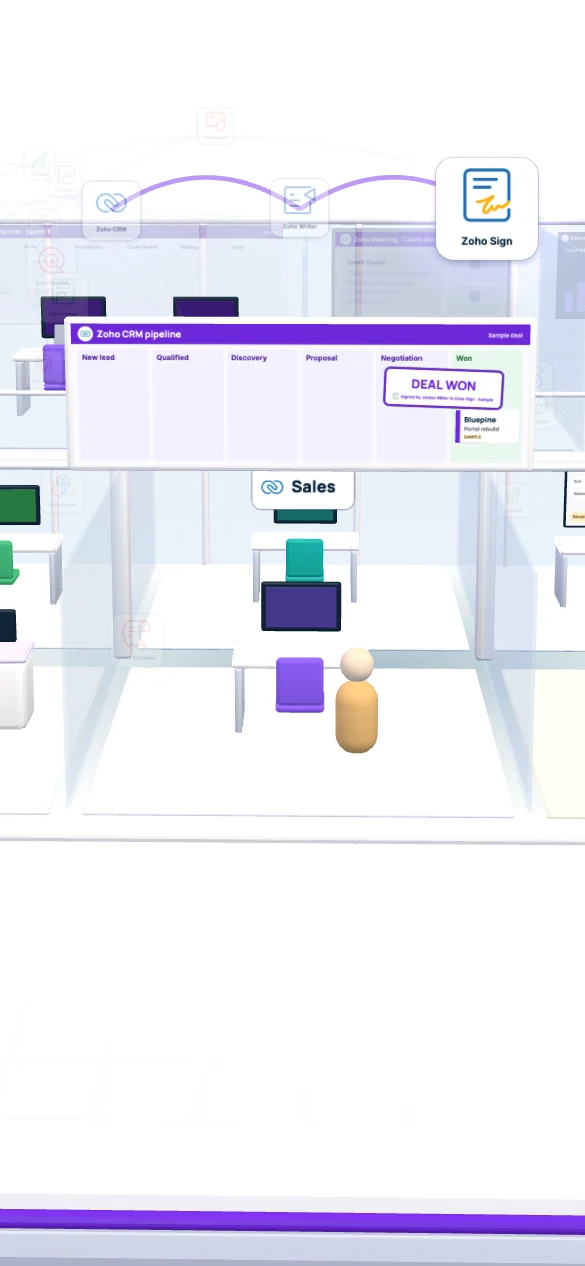
Maya moves the deal through six stages. At Proposal, Zoho Writer builds the proposal from the deal fields; once the client signs in Zoho Sign, the deal moves to Won.

  1. New leadForm and chat land on one record
  2. QualifiedBudget, timeline and decision maker confirmed
  3. DiscoveryCall notes and scope questions saved on the deal
  4. ProposalWriter merges scope, team and quote into one PDF
  5. NegotiationRevised quote versions stay on the deal history
  6. WonSigned in Zoho Sign, the PDF files itself on the deal

New lead · Bluepine LogisticsSample

Contact
Jordan Miller, CTO
Company
Bluepine Logistics (fictional), Denver, CO
Email
jordan@bluepine.example
Phone
(555) 010-0142
Size
120 staff
Need
Customer portal rebuild
Budget
$80K to $120K
Source
Website form + chat

Qualified · checklist on the dealSample

  • Budget$80K to $120K, confirmed on the call
  • Decision makerJordan Miller, CTO
  • TimelineStart in January

Discovery · call notes logged in CRMSample

  • Shippers need tracking, invoices and single sign-on in one portal.
  • The old portal stays live until the new one passes testing.
  • Next step: proposal by Monday.

Proposal · Zoho WriterSample

Proposal: Bluepine customer portal rebuild

  • ClientJordan Miller, Bluepine Logistics
  • ScopeCustomer portal rebuild
  • StartJanuary

Generated from the CRM deal

Negotiation · proposal v2Sample

  • v2 splits the work into two phases and bills by milestone.
  • Both versions stay on the deal history.

Terms agreed

Statement of work · Zoho SignSample

Proposal v2 and statement of workSent for signature

Jordan Miller signs online. The deal waits in Negotiation until then.

Statement of work · Zoho SignSample

Proposal v2 and statement of workSigned by Jordan Miller

Signed, so the deal moves to Won and the PDF files itself on the deal.

Stage 1 of 6 · New lead

Deal won Sample

Behind the scenes
  • Zoho CRMPipeline stages, quotes and the deal history
  • Zoho WriterProposal template filled from deal fields
  • Zoho SignStatement of work signed online, with an audit trail

03Kickoff

Who builds the project plan once the contract is signed?

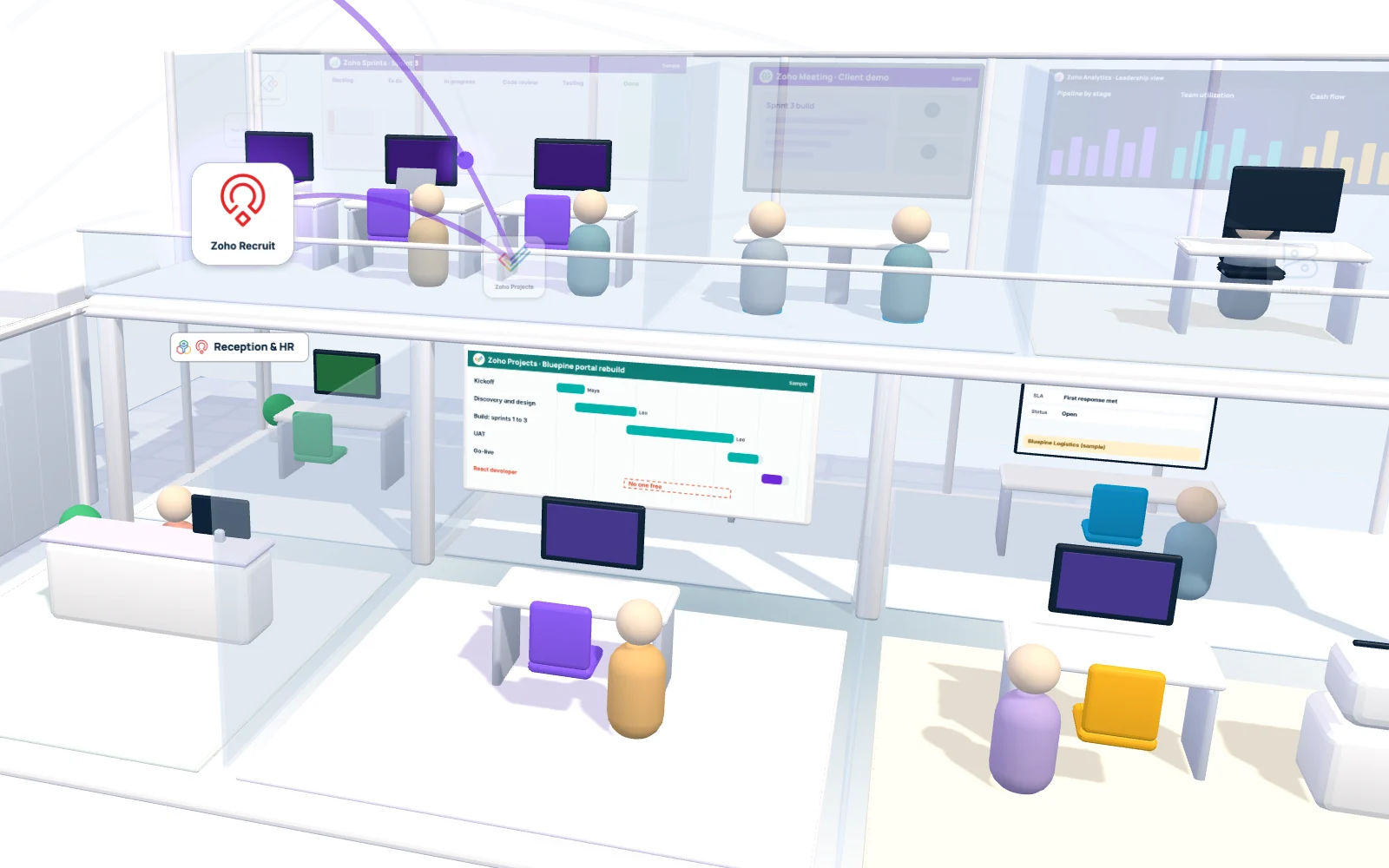
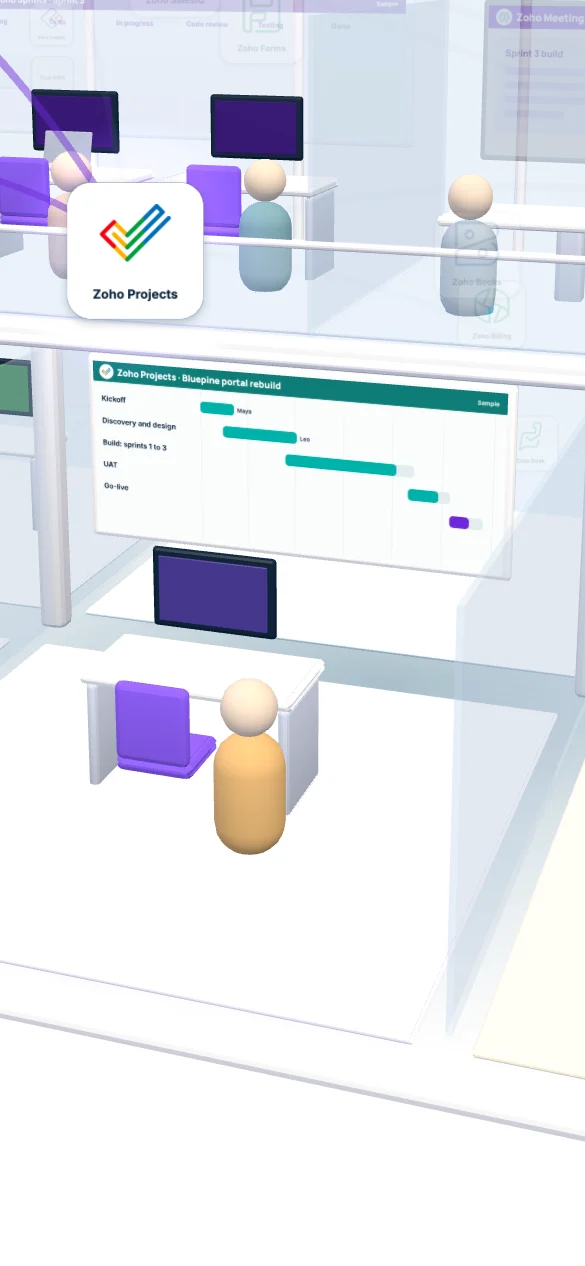
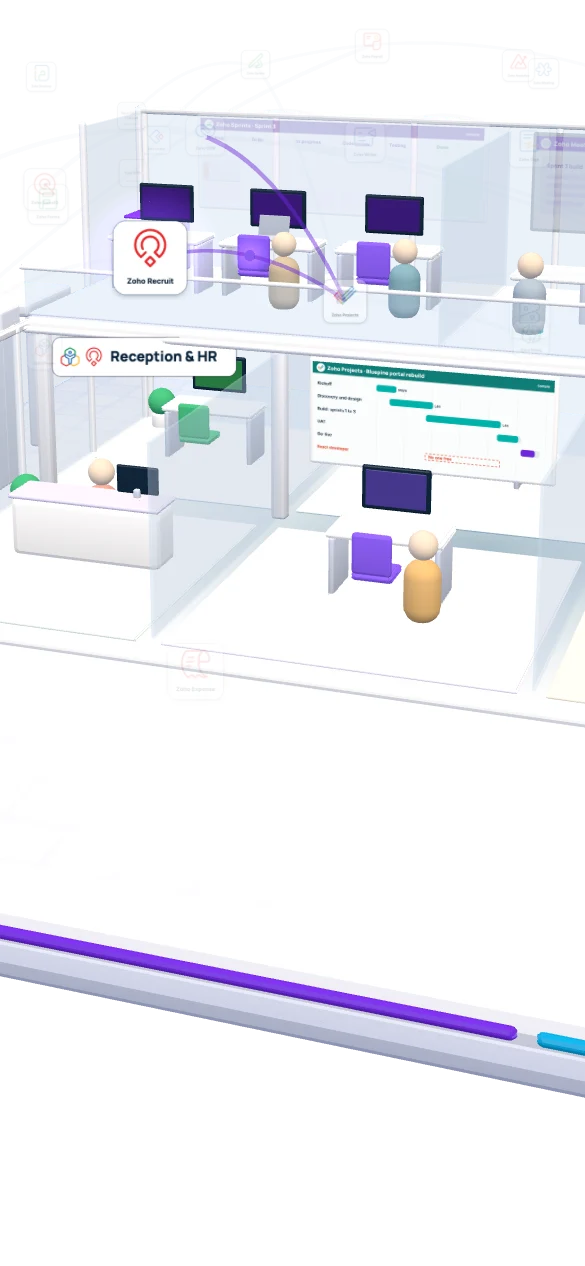
The won deal opens a project in Zoho Projects from a template, with phases, owners and dates. The plan flags one gap: no React developer is free. Rachel in HR opens the job in Zoho Recruit the same day.

  1. Projects
  2. Recruit
Project · Zoho ProjectsSample
PhaseOwnerDates
KickoffMayaJan 6
Discovery and designLeoJan 7 to 24
Build: sprints 1 to 3LeoJan 27 to Mar 21
UATLeoMar 24 to Apr 4
Go-liveLeoApr 7

Created from template when the deal was won.

Job opening · Zoho RecruitSample
Role
React developer
Location
Remote, US
Opened
Same day as the kickoff
Recruiter
Rachel · HR
Hiring manager
Leo · lead developer
Status
OpenInterviewing
Behind the scenes
  • Zoho ProjectsPhases, tasks, budget and who is assigned
  • Zoho CreatorA custom client portal for logins, brand files and other onboarding items
  • Zoho RecruitThe open role, raised from the resource gap
Client onboarding · Creator portalSample
ItemOwnerStatus
Staging server accessClient ITReceived
Brand guide and logosClient marketingReceived
API keys for the old portalClient ITWaiting
React developerRachel, HRHiring

04New hire

Can a new developer be productive on day one?

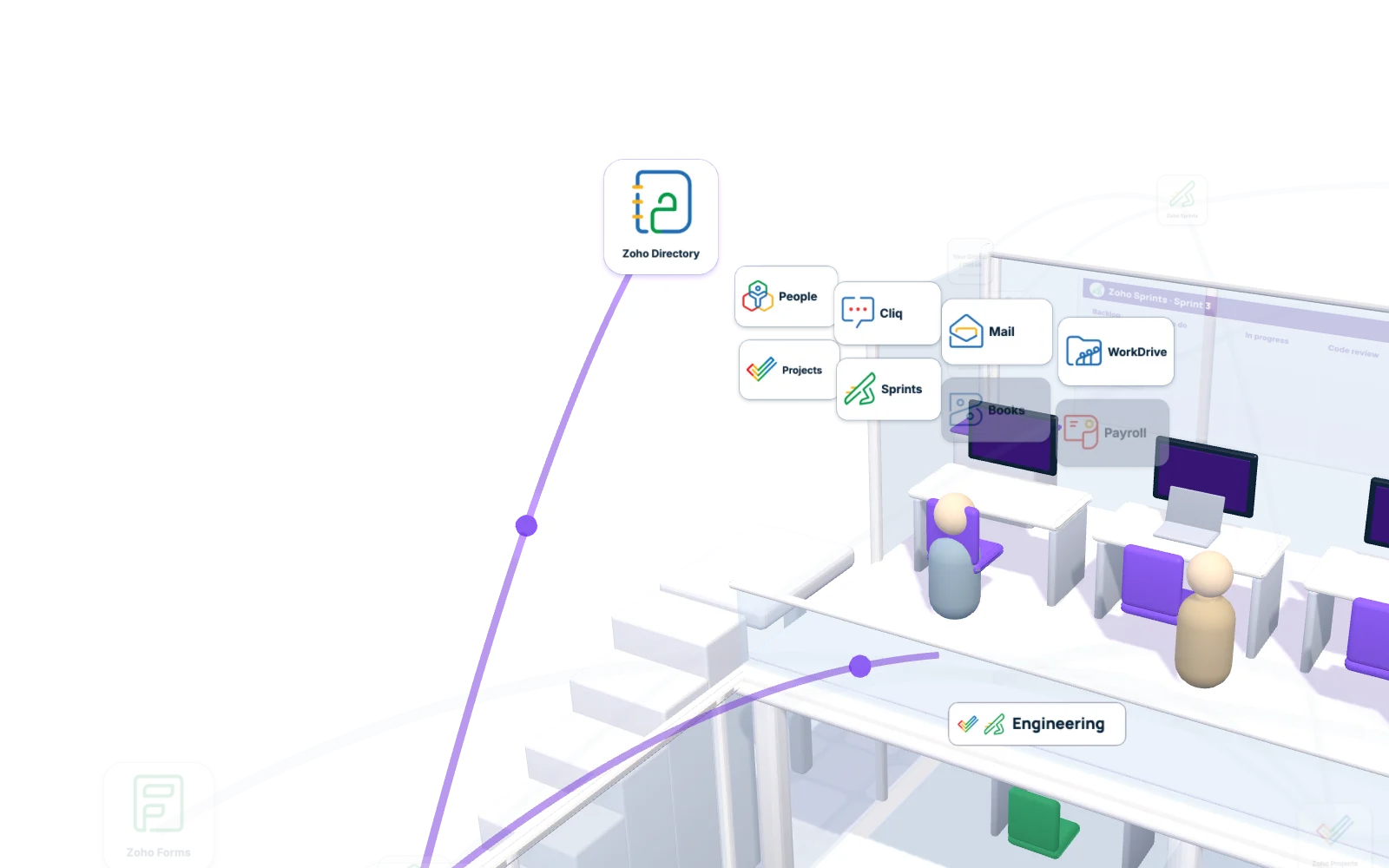
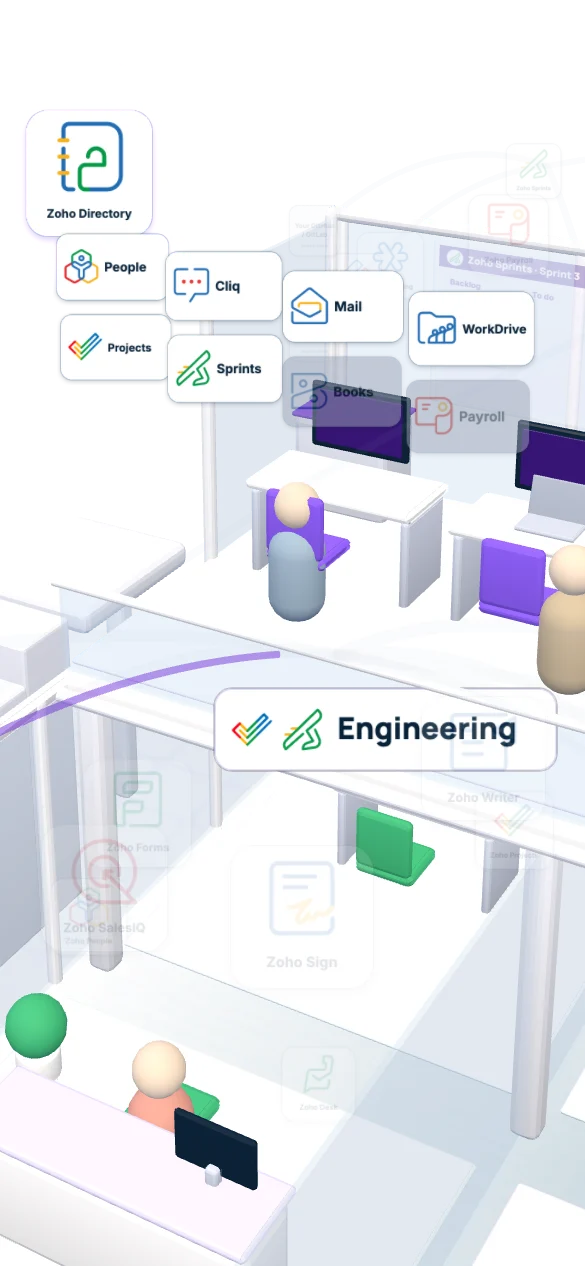
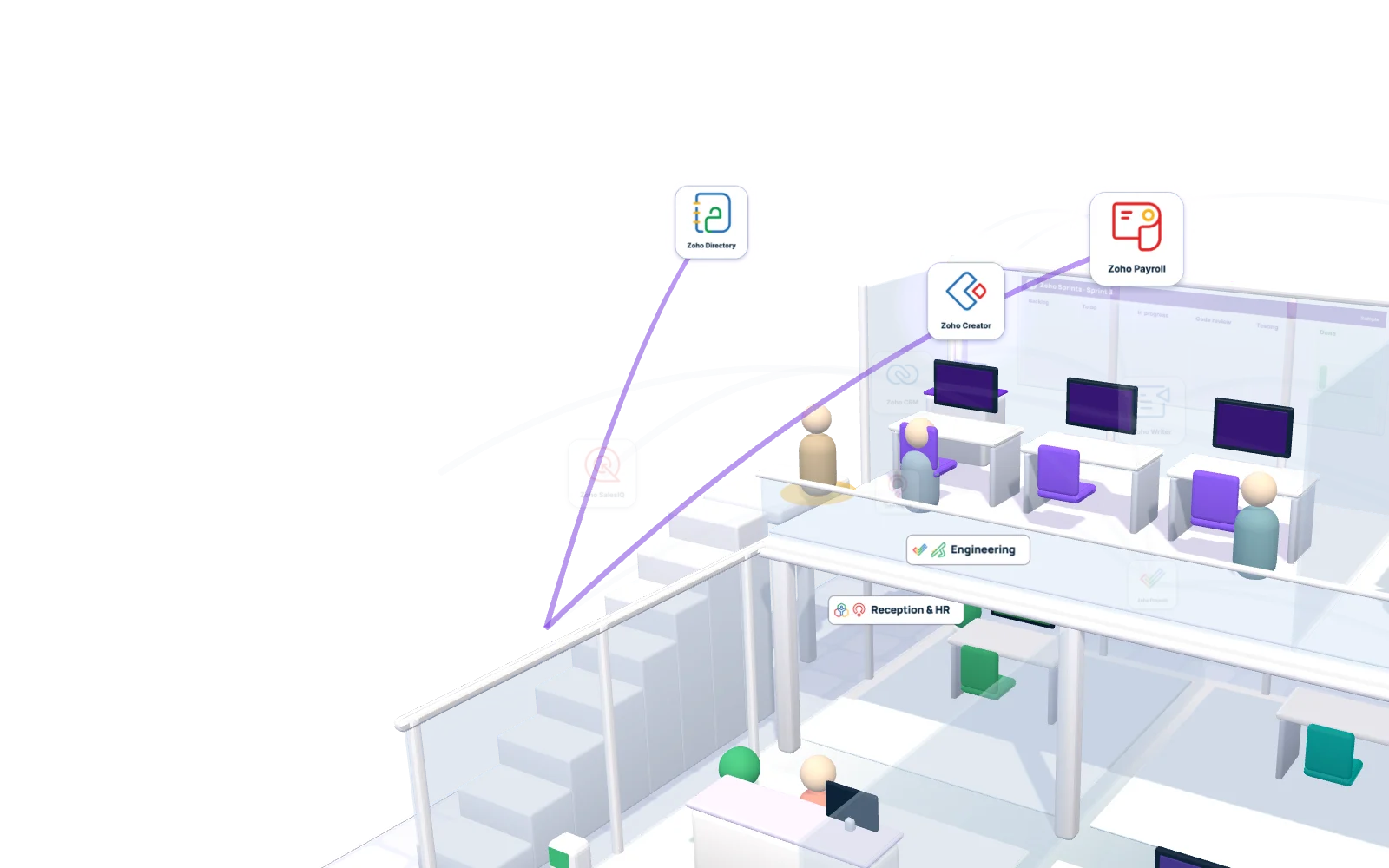
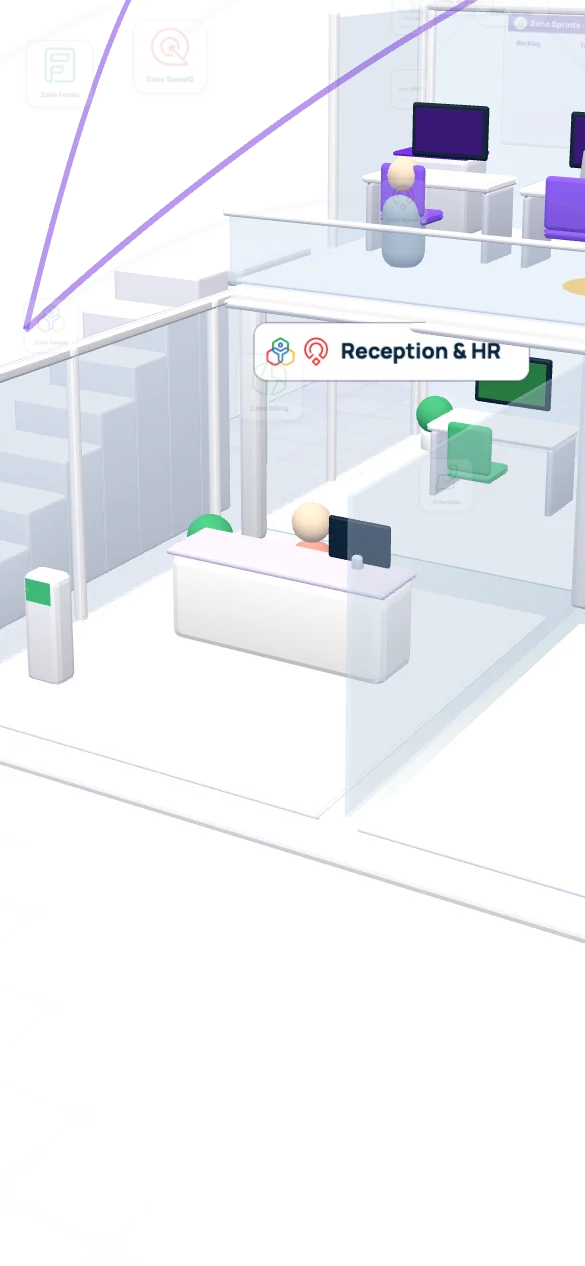
Sam, the React developer from that opening, signs his offer in Zoho Sign on Friday. On Monday Rachel from HR welcomes him at the entry desk. He clocks in at the time clock, which feeds Zoho People, walks up to the dev floor and signs in once. Zoho Directory shows only the apps his role needs.

Role access · DeveloperSample
  • Mail, Cliq, WorkDrive
  • Projects and Sprints
  • People: his own profile
  • GitHub, through single sign-on where your GitHub plan supports it
  • Books and Payroll
  • Recruit
Behind the scenes
  • Zoho SignOffer letter signed and returned to the candidate record in Recruit
  • Zoho PeopleEmployee record, onboarding tasks, time off and the time clock feed
  • Zoho DirectoryRole-based sign-in, so each person gets the apps their job needs
  • Zoho CliqTeam channels, joined automatically by department

Hours flow one way: the office time clock or web check-in feeds Zoho People, and People passes approved totals to Zoho Payroll. Raw punches never go straight into payroll.

05Build and ship

Does Zoho replace GitHub or AWS for the engineers?

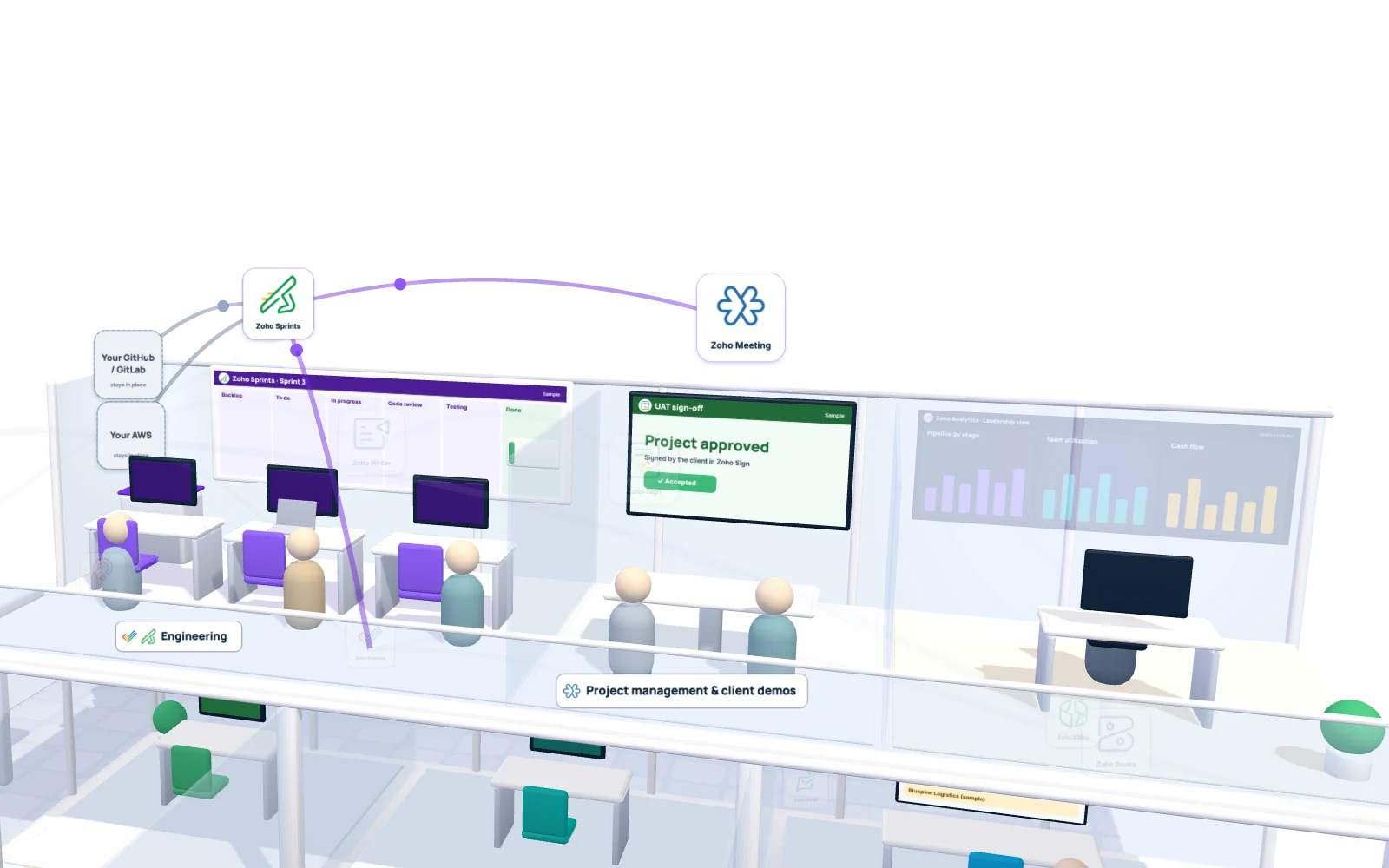
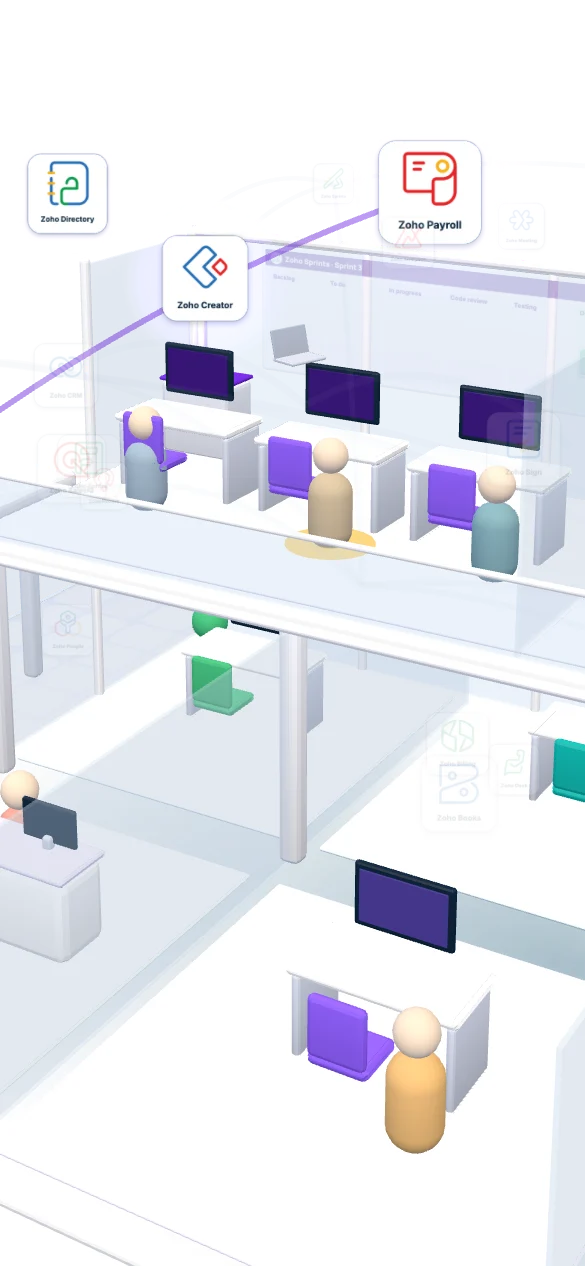
No, and it shouldn’t. Code stays in GitHub or GitLab and the product runs on AWS. Zoho Sprints holds the board and links each story to its commits. The client then approves the build in a Zoho Meeting demo and signs off in Zoho Sign.

Sprint 3 · Zoho SprintsSample
BacklogNB-212 Safari login bug
To do
In progress
Code review
Testing
Done

The bug is in the backlog, waiting for sprint planning.

Behind the scenes
  • Zoho SprintsBacklog, board and release notes; the project manager sees progress without opening a repository
  • GitHub or GitLabSource code and pull requests, linked to stories
  • AWSHosting and deployment, untouched by the Zoho rollout
  • Zoho MeetingSprint demo with the client, recorded to the project
  • Zoho SignUAT sign-off, which marks the phase “Project approved”

06Get paid

How does Dana invoice a project without chasing timesheets?

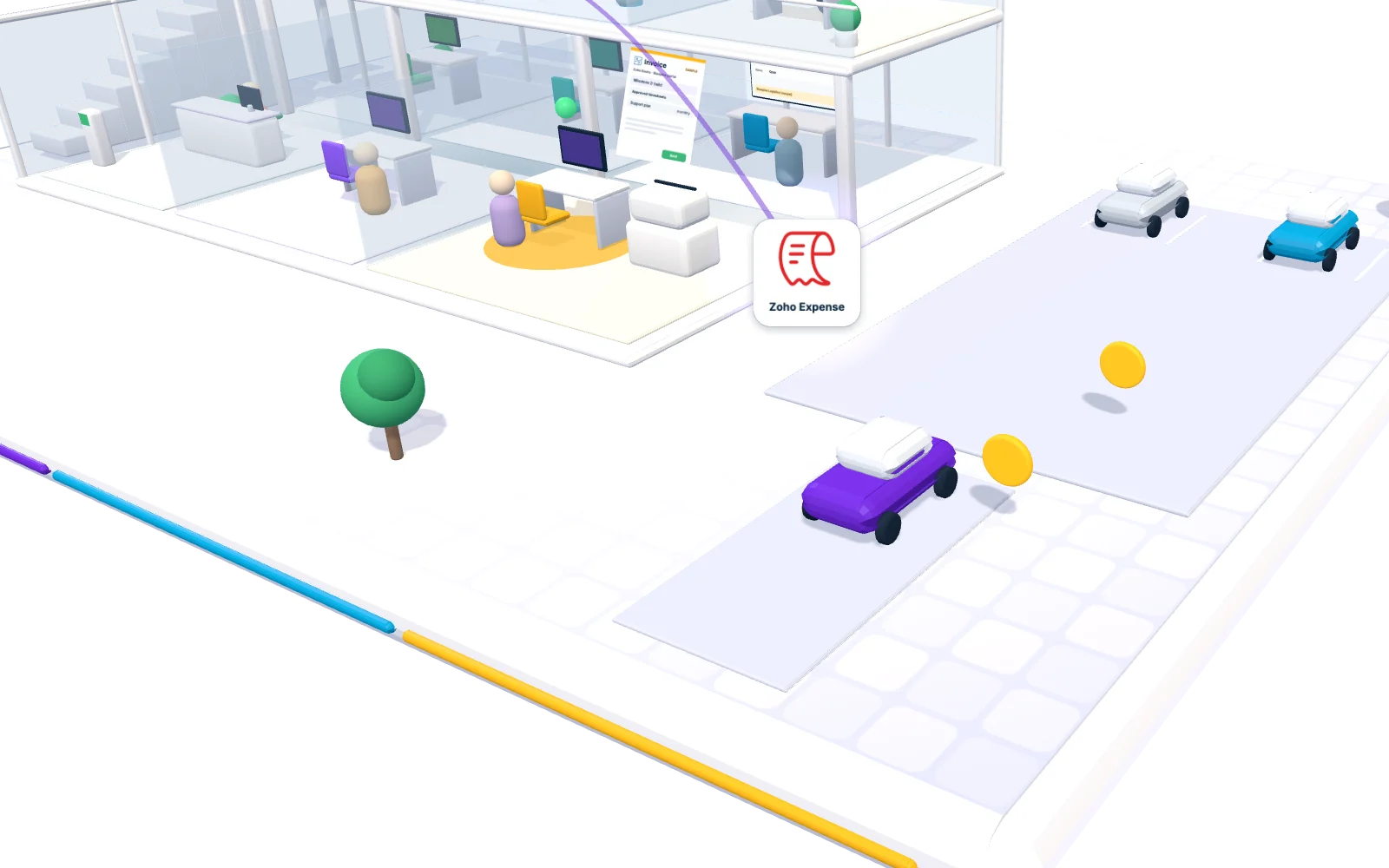
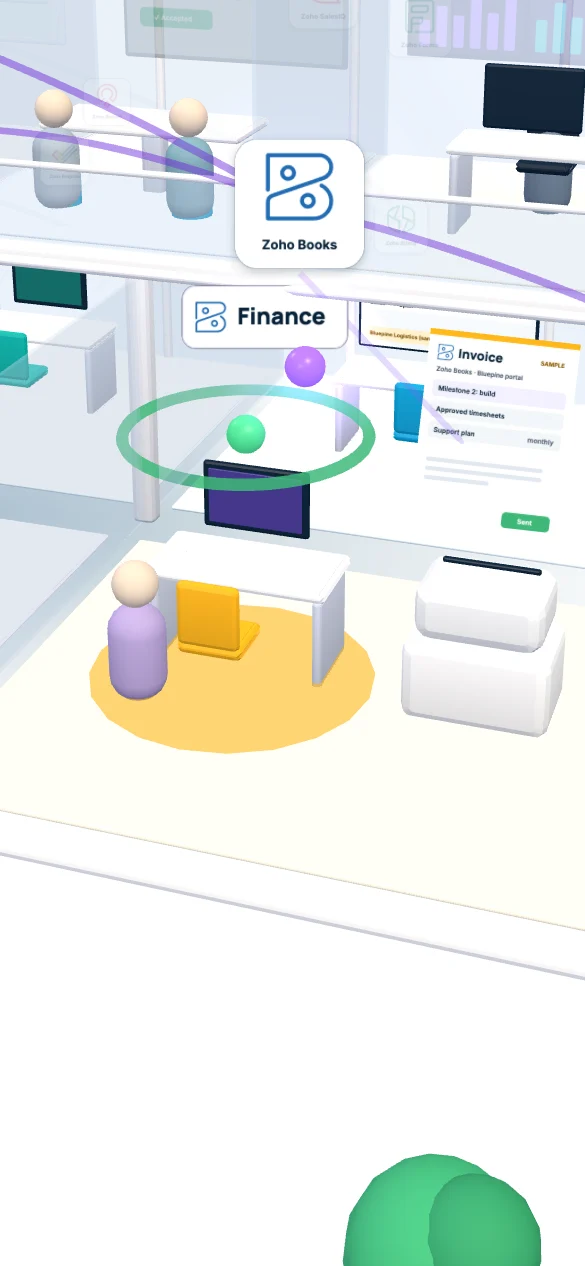
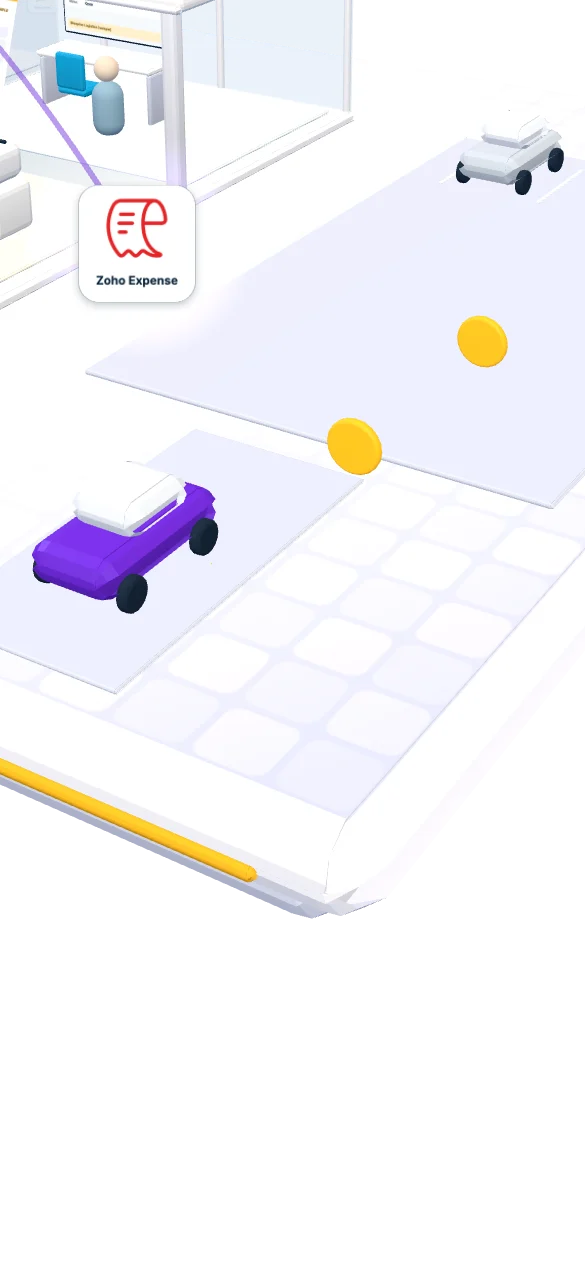
When the client approves the phase, Zoho Books raises the milestone invoice and the payment lands against it. Hourly work bills from approved timesheets. Then Maya drives to the client’s office, and her trip becomes an expense report on her phone.

Invoice · Zoho BooksSample
Client
Bluepine Logistics
Milestone
Milestone 2: build, approved by the client
Hourly work
Billed from approved timesheets
Status
Sent from Zoho Books
Expense report · Client workshop tripSample
  • Fuel$48.20
  • Bridge toll$8.00
  • Client lunch, 3 people$64.50

Total $120.70

Submitted with receipts, waiting for the manager.

Behind the scenes
  • Zoho BooksAccounting, milestone and hourly invoices, receivables and project profit
  • Zoho ProjectsApproved timesheets and billable hours
  • Zoho ExpenseReceipts scanned, policy checked, approved and synced to Books

07Support

What happens after go-live, when the client reports a bug?

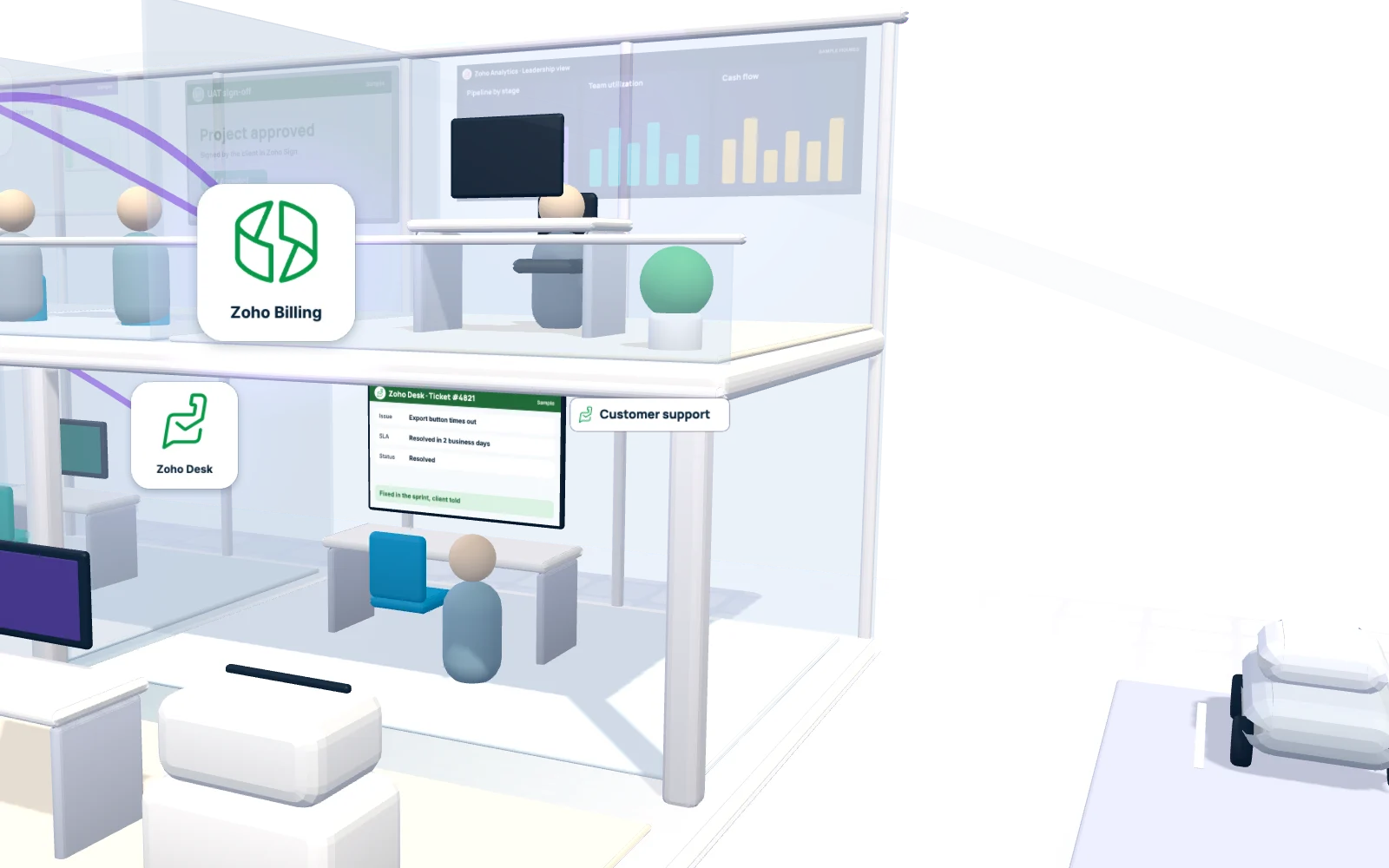
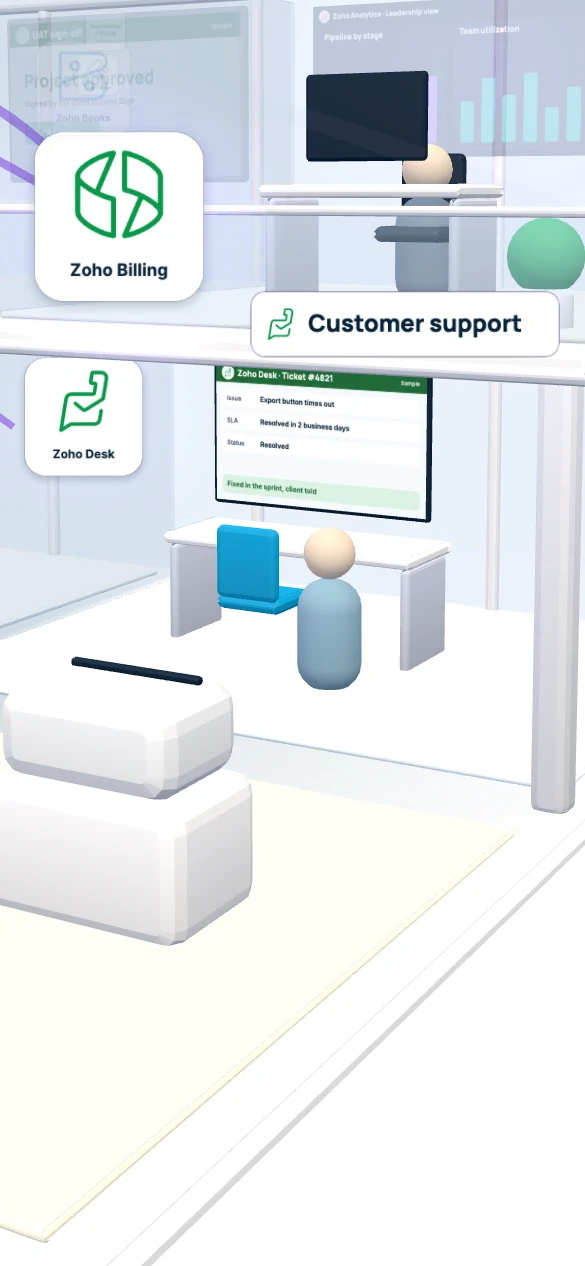
The client emails support and a Zoho Desk ticket opens with its SLA clock running. The agent escalates it to the project as a bug, so Leo never reads a forwarded email chain. The support plan renews monthly in Zoho Billing, and 30 days before the contract ends, Maya gets a renewal task in CRM.

Ticket #4821 · Zoho DeskSample
Issue
Export button times out on large reports
SLA
First response met · resolve within 2 business days
Escalated to
Projects bug NB-231, assigned to Leo
Status
Resolved
Behind the scenes
  • Zoho DeskTickets, SLA timers and the client help center
  • Zoho ProjectsThe escalated bug, with the ticket linked for context
  • Zoho BillingRecurring support plans, renewals, payment reminders and dunning
  • Zoho CRMThe renewal deal, opened 30 days before the end date

08Clean exit

When someone leaves, does their access leave with them?

Alex is leaving. Rachel in HR runs the resignation, handover and clearance in Zoho People. On the last day IT switches off access in Zoho Directory, the laptop is checked back into the asset register, and Payroll runs the final pay.

Exit checklist · Zoho PeopleSample

0 of 6 done

Exit complete. No orphan accounts, no laptop in a drawer.

Behind the scenes
  • Zoho PeopleResignation, exit interview and clearance
  • Zoho DirectoryTurns off Zoho sign-in, plus outside apps set up for single sign-on or provisioning
  • Zoho CreatorA custom asset register: who holds which laptop, warranty and serial
  • Zoho PayrollFinal pay, in the states Zoho Payroll covers

The asset register is a Creator app we build for you. Zoho Inventory only joins in if you also keep stock to sell, such as hardware for clients. Outside tools without single sign-on or provisioning stay a manual exit task.

09Command center

Your business, under control

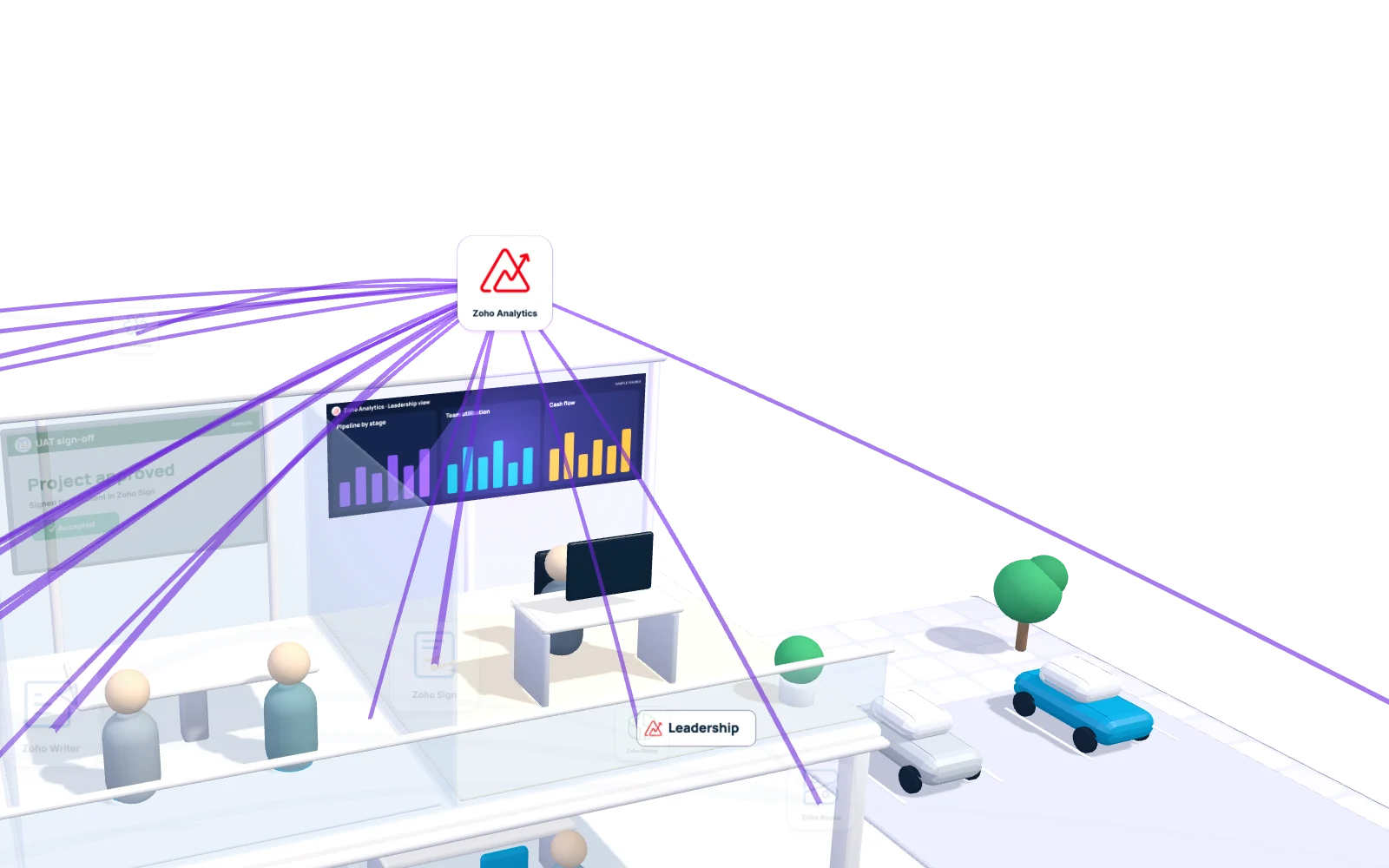
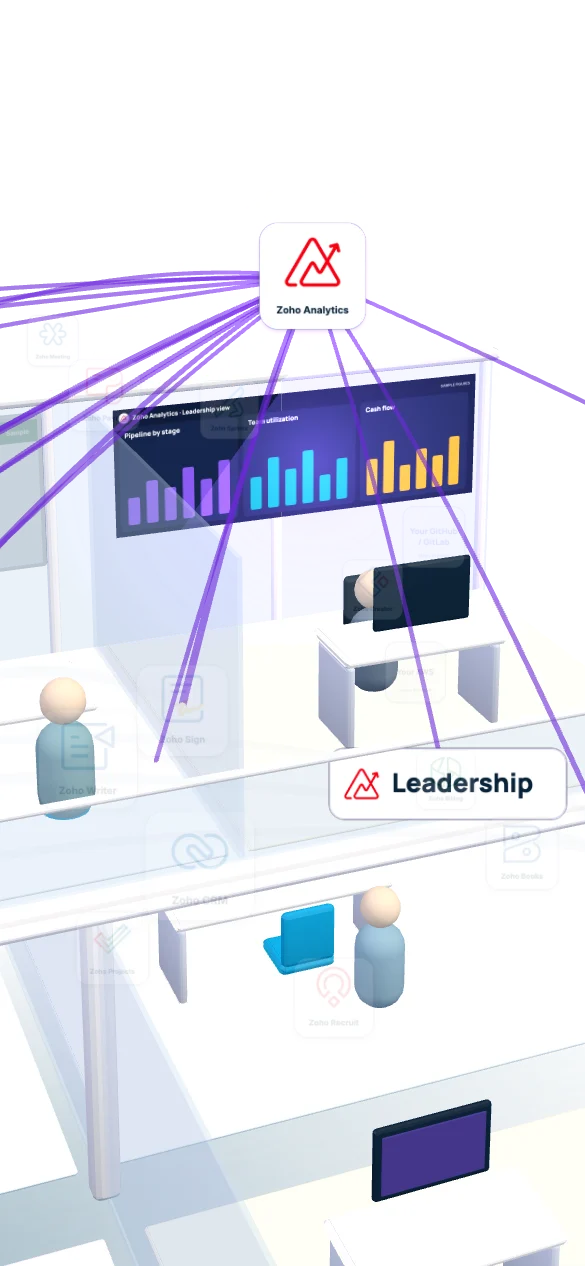
Northbeam’s CEO used to collect five reports every Monday. Now one Analytics workspace pulls from CRM, Projects, Books, Billing, Desk and People, so pipeline, utilization, cash and support health sit side by side.

Leadership dashboard · Zoho AnalyticsSample figures
  • Open pipeline$1.24M
  • Team utilization78%
  • Overdue milestones3
  • Unpaid invoices$86K
  • Renewals in 30 days6
  • Tickets near SLA2
Behind the scenes
  • Zoho AnalyticsBuilt-in connectors for Zoho apps, scheduled syncs for the rest

10Your kind of firm

Which kind of IT service company are you?

Pick the one closest to you. The org chart lights the teams and Zoho apps that kind of firm leans on first, and points to the part of the Northbeam story worth watching again.

SaaS product company

Your revenue is seats and plans, so Zoho Billing runs renewals and upgrades while Desk keeps every ticket on the customer record in CRM. Engineers plan releases in Sprints next to GitHub.

Watch again: after go-live, a client reports a bug

Honest fit: if you bill by metered usage inside your own product, keep that billing engine and send the totals to Zoho.

Custom development studio

You sell fixed-scope and time-and-materials projects, so the big win is a won deal turning into a Zoho Projects plan with phases, then phase sign-offs turning into invoices in Books.

Watch again: who builds the project plan

Honest fit: a studio of a handful of people working from one shared inbox may only need Zoho CRM and Books for now, not the full suite.

IT consulting and staff augmentation

People are the product. Recruit fills the open roles, People holds the contract dates, Projects timesheets carry billable hours, and Directory switches access on and off as consultants move between clients.

Watch again: a new developer on day one

Honest fit: when a client makes you log hours in their own vendor system, that system stays, and Zoho keeps your side of the placement.

Managed service provider

Contracts, devices and tickets drive an MSP, so Desk, Billing and CRM sit at the center, with a Creator register for client assets. We wrote a separate guide for this model.

Honest fit: Zoho does not replace your remote monitoring and management tool; it stays and sends alerts into Desk.

11Your tool shelf

How many tools are you paying for today?

Tick the kinds of tools your team logs into now. Each tick shows the Zoho app that takes its place, and the shelf folds into one row under a single sign-in. Your engineering tools stay put.

Tools you use today

Tick a tool to start folding the shelf.

These stay where they are

  • GitHub or GitLab, for code and reviews
  • AWS, for hosting and pipelines
  • Your IDE and test tools

Zoho Sprints links to GitHub and GitLab commits, and AWS events can reach Zoho through a function we build.

12Client security reviews

Security questions your clients will ask

Enterprise clients send a vendor questionnaire before they sign. Here is how a Zoho setup answers the six questions that come up most, and which parts you still configure yourself.

Vendor security questionnaire Sample

0 of 6 reviewed

  1. Can you share security reports and work under our NDA?Zoho provides

    Zoho publishes its certificates and audit reports, including ISO/IEC 27001 and SOC reports for its platform, and verified admins download them from the compliance tab in Zoho Accounts after accepting an online NDA. Those belong to Zoho, not to Elite Tech Global or your firm, so your own policies still answer the questions about your team.

  2. Is our data stored in the United States?Zoho provides

    Zoho lists a primary US data center in Quincy and a secondary one in Dallas. The data center follows the country chosen when the account is created, so we confirm the US region before anything is set up.

  3. We have clients in the EU. How does GDPR work?Shared

    Zoho offers a Data Processing Addendum based on model contractual clauses, which your Zoho admin requests from Zoho. Zoho also runs data centers in Amsterdam and Dublin. Which region fits depends on your contracts, so it is a decision for your legal team, made before setup.

  4. Can a developer see a client's project without seeing deal values or payroll?You configure

    Yes, when access is set up that way. Zoho CRM uses roles, profiles and data sharing rules, and each Zoho app has its own user roles. We write the access matrix per team into the BRD, then build it.

  5. Do you keep audit logs?Shared

    Zoho CRM keeps an audit log of actions taken in the account, and admins can limit sign-in to allowed IP addresses. Deciding who reviews those logs, and how often, sits in your own security policy.

  6. How do staff sign in, and how fast is access removed?You configure

    Zoho Directory gives staff one sign-in to Zoho apps and to outside apps connected through single sign-on, with multi-factor options such as time-based codes and passwordless biometrics. Disable a person in Directory and everything connected through it closes at once.

Zoho's security whitepaper also states that connections use TLS 1.2 or 1.3 and sensitive data at rest is encrypted with 256-bit AES. Your legal and security team should review the final answers you send.

13Keep, move or connect

Moving from Salesforce, HubSpot, Jira, QuickBooks, Harvest or BambooHR

Nothing has to move on day one. Each card starts where we usually suggest; send any card to another lane and its note changes to match your call.

Move to Zoho 0

  • SalesforceCRM

    Accounts, contacts, open opportunities and history move to Zoho CRM, checked on sample records first.

    Salesforce to Zoho CRM plan
  • HubSpotCRM and marketing

    Contacts, companies, deals and email history move into Zoho CRM, with marketing lists sorted out before the cut-over.

    HubSpot to Zoho CRM plan
  • QuickBooksAccounting

    Customers, items, open invoices and opening balances move to Zoho Books after your accountant signs off the cut-over date.

    QuickBooks to Zoho Books plan
  • HarvestTime tracking

    Timesheets move into Zoho Projects, where approved billable hours flow straight to Books for invoicing.

  • BambooHRHR

    Employee records, time off balances and documents move to Zoho People, which then feeds Payroll and Directory.

    BambooHR to Zoho People plan

Connect to Zoho 0

  • JiraEngineering board

    Jira can stay for engineers. The client plan lives in Zoho Projects, and status moves between the two through Zoho Flow or an API job.

Keep as is 0

    Suggested plan: 5 move, 1 connect, 0 keep.

    14Click a department

    Which Zoho apps does each team at an IT service company use?

    Pick a team to see its apps, its inputs and outputs, and which links are built in versus built by us.

    Sales

    Zoho CRMSalesIQFormsCampaignsBookingsWriterSign

    Comes in
    Website forms, chats, booked demos and email replies
    Goes out
    Won deals to Projects, quotes to Books, signed contracts to WorkDrive
    How it links
    Native SalesIQ, Forms and Sign to CRM. We build rules that pick the right project template from the deal type.

    Projects and delivery

    Zoho ProjectsWorkDriveMeetingCreator client portal

    Comes in
    Won deals, signed scope, client onboarding items, escalated bugs
    Goes out
    Approved hours and phases to Books, status to the client portal
    How it links
    Native CRM to Projects and Projects to Books. We build the portal and any phase-to-invoice rules your contracts need.

    HR and people

    Zoho RecruitPeoplePayrollLearn

    Comes in
    Resource gaps from Projects, applications, time clock hours
    Goes out
    New hires to Directory for access, approved pay data to Payroll
    How it links
    Native Recruit to People and People to Payroll, one way. We build the time clock link, which depends on the device or app you use.

    IT and access

    Zoho DirectoryVaultCreator asset register

    Comes in
    Joiners, movers and leavers from People
    Goes out
    Sign-in for Zoho and connected apps, asset assignments per person
    How it links
    Native Directory for Zoho apps. Depends outside apps need single sign-on or provisioning support on their side.

    Engineering

    Zoho SprintsCatalystplus your GitHub or GitLab, IDE and AWS

    Comes in
    Stories from the project plan, bugs from Desk
    Goes out
    Story status and release notes back to Projects and the client
    How it links
    Native Sprints to GitHub and GitLab for commit links. We build AWS alerts or deploy events into Zoho through APIs or Catalyst functions.

    Finance

    Zoho BooksBillingExpensePayroll

    Comes in
    Approved phases and hours, signed support plans, expense reports
    Goes out
    Invoices, payment status back to CRM, project profit to Analytics
    How it links
    Native Expense to Books and Billing to CRM. We build revenue rules for mixed fixed-fee and hourly contracts.

    Support

    Zoho DeskSalesIQhelp center

    Comes in
    Client emails, portal tickets, chats from inside your product
    Goes out
    Bugs to Projects or Sprints, ticket history to the CRM account
    How it links
    Native Desk to CRM and Desk to Projects. We build SLA rules per support plan and the hand-off into Sprints.

    Leadership

    Zoho Analytics

    Comes in
    Data from every team above
    Goes out
    Weekly dashboards, alerts when a number crosses a line
    How it links
    Native connectors for Zoho apps. We build the blended reports, such as profit per client after support time.

    16What we do

    What does Elite Tech Global actually do for an IT service company?

    We map how your firm sells, delivers and bills, then make Zoho fit that, not the other way round. Six kinds of work, often in one project.

    Run a managed services desk instead? See Zoho for IT services and MSPs, built around contracts, devices and tickets.

    17Licenses and our fee

    What does Zoho One cost for an IT service company?

    Two ways to buy it in the US. License the whole headcount and Zoho One costs $37 per employee each month on a yearly contract, which Zoho shows as a first-year rate. License only the people who need it and each seat is $90 a month, also paid yearly.

    All Employee

    $37 per employee / month, billed yearly

    Best when most of the team uses Zoho daily, from developers in Sprints to finance in Books. Example: a 120-person firm like Northbeam would pay $4,440 a month at this rate.

    Flexible User

    $90 per user / month, billed yearly

    Fits when only managers, sales and finance need licenses and engineers stay mostly in their own tools.

    Our work

    Fixed fee in a signed BRD

    The first call costs nothing. A larger rollout may start with a paid scoping session; after that, our fee is set once in the BRD before any configuration begins.

    Sales tax is extra. Northbeam is fictional, so the $4,440 total is only illustrative; we check the right plan against your real headcount on the call.

    18How we start

    How do you connect an IT service company on Zoho?

    One department at a time, in the order money moves. The opening four steps are below; the whole sequence is on how we work.

    1. 1

      A discovery call

      Thirty minutes on your tools, team size and the hand-off that hurts most, usually sales to delivery or delivery to invoicing.

    2. 2

      A map of your flows

      Lead to cash, hire to exit and ticket to fix drawn out, with each tool that stays, goes or connects.

    3. 3

      A signed BRD with a fixed fee

      Apps, roles, integrations and data to move, written down and priced before anyone builds.

    4. 4

      A pilot on sample data

      A fictional client runs from lead to invoice in your new setup, so each team tests its part before real records arrive.

    19Packages and people

    Packages and who works on your project

    Three sizes of project, described by scope. Choose one and the table fills with the people who join it. The exact scope and fixed fee are written into your BRD.

    Starter

    One or two apps for one team, usually Zoho CRM with Forms and SalesIQ, or Projects with timesheets. Clean data import, layouts, a few automations and training for that team.

    Connected

    Sales, delivery and finance joined: CRM to Projects to Books, with Writer and Sign for proposals and a migration from your current CRM or accounting tool.

    Full Zoho One rollout

    Every department from the Northbeam story, live in phases: hiring, People and Payroll, Desk, Billing, Directory access, Analytics dashboards and the custom Creator apps your process needs.

    • Project managerYour single contact, runs the plan and the weekly check-in
    • Zoho consultantMaps your process and configures the apps
    • Deluge and integration developerWrites the functions, Flows and API links
    • Data migration specialistMoves and checks records from the old tools
    • Solution architectOwns how every department connects end to end
    • TrainerRole-based sessions for each team before go-live

    After go-live: ongoing support from $300/month for one Zoho product.

    The first call is free. Bigger rollouts can need a paid scoping step before the BRD is written.

    Book a 30-minute discovery call

    Stop managing disconnected systems. Start running a connected business.

    Bring the list of tools your team opens every morning, and our LA team in Glendale will show what stays and what connects.

    Book a 30-minute discovery call

    20Why Elite Tech Global for IT service companies

    What you get with us as your Zoho partner

    From the first help-desk ticket to the renewal invoice, Zoho gives your MSP one platform for service delivery.

    • ZohoZoho Advanced Partner
    • Zoho CreatorZoho Creator Registered Partner
    • Zoho CatalystZoho Catalyst Partner
    1. A certified Zoho Advanced Partner

      We have delivered 300+ projects since opening our Glendale office in 2025. Complex setups, tricky integrations and custom apps are rarely new to us.

    2. Developers when configuration runs out

      As a Zoho Creator Registered Partner and Zoho Catalyst Partner, we add a custom app or serverless function when a workflow needs more than settings allow.

    3. The quote you sign is the quote

      Apps, fields, integrations and reports are written into a signed BRD at a fixed price before anyone touches your Zoho account.

    4. Your team gets trained too

      Our 40+ person team, led from Glendale, California, stays on after launch to train new hires and adjust workflows as your business changes.

    21Questions tech leaders ask

    Zoho for IT service companies: FAQ

    Engineering tools, payroll, access, billing and cost. Ask the one that worries you most on the call.

    Can Zoho One run a software development company end to end?

    It can run the business side: sales, projects, hiring, HR, payroll in supported states, accounting, recurring billing, support and reporting. It does not replace engineering tools. Code, pipelines and hosting stay in GitHub or GitLab and AWS, connected to Zoho where it helps.

    Should a software company use Zoho Projects or Zoho Sprints?

    Often both. Projects suits client work with phases, budgets, timesheets and billing. Sprints suits agile teams with backlogs, story points and boards. Services firms often run the client plan in Projects and the engineering board in Sprints.

    Does Zoho Sprints connect to GitHub and GitLab?

    Yes. Sprints has integrations for GitHub and GitLab, so commits and pull requests that mention a story ID appear on that story. Repositories, branches and code review stay where they are. We set the naming convention so the links actually show up.

    What is the difference between Zoho Books and Zoho Billing for an IT company?

    Zoho Books is the accounting system: invoices, payments, bills, expenses, bank feeds and project profit. Zoho Billing handles recurring revenue: subscription plans, renewals, proration, payment reminders and dunning. A firm selling projects plus monthly support plans or SaaS seats typically uses both, with Billing and Books syncing customers, invoices and payments.

    How does attendance reach payroll in Zoho?

    Employees check in through Zoho People on the web or phone, or through a time clock connected to People. People approves the hours and time off, then passes employee and time data one way to Zoho Payroll. Raw punches never go into Payroll, and where Zoho Payroll does not cover a state, People exports to your current payroll provider instead.

    Can Zoho turn off a leaver’s access to every app?

    Zoho Directory switches off the Zoho account and any outside app connected through single sign-on or automatic provisioning. Tools without that support need a manual step, so we list them on the People exit checklist.

    How much does Zoho One cost for a 120-person IT service company?

    On the All Employee plan at $37 per employee a month billed yearly, 120 people come to $4,440 a month, and Zoho lists that rate as a first-year price. If only some staff need Zoho, the Flexible User plan is $90 per user a month on yearly billing. Our implementation fee is separate and fixed in a signed BRD after scoping.

    How long does it take to connect an IT service company on Zoho?

    It depends on how many departments go live together and how clean your data is. Many firms start with sales and delivery, then add HR, billing and support. Phases, timeline and fixed fee go into the signed BRD.

    Which Zoho apps does a SaaS company need compared with a custom development studio?

    A SaaS company usually starts with Zoho CRM, Billing for plans and renewals, Desk for support and Sprints for releases. A custom development studio leans on CRM, Writer and Sign for proposals, Projects for phased delivery and Books for invoicing. Consulting and staff augmentation firms add Recruit, People and Directory early.

    Can our engineers keep Jira if the rest of the company moves to Zoho?

    Yes. Jira can stay for engineering while the client plan, hours and billing run in Zoho Projects and Books. Status moves between them through Zoho Flow or an API job we build, so nobody has to copy sprint progress into client reports.

    Where is Zoho data stored for a US IT company with clients in the EU?

    Zoho lists US data centers in Quincy and Dallas and European ones in Amsterdam and Dublin, and the region follows the country chosen when the account is created. For GDPR, Zoho offers a Data Processing Addendum based on model contractual clauses. Your legal team should choose the region before we set anything up.

    What do your packages include, and what does ongoing support cost?

    Starter covers one or two apps for one team, Connected joins sales, delivery and finance, and a full Zoho One rollout brings in every department in phases. Each is scoped and fixed in a signed BRD. After go-live, ongoing support starts from $300/month for one Zoho product, and the first discovery call is free.


    22Let’s talk

    Tell us what you’re building. We’ll map the fix.

    Book a 30-minute discovery call with Elite Tech Global. We review your Zoho, AWS, Shopify or WordPress setup, show where AI agents can save time, and agree the next step. If we work together, every requirement and a fixed price go into a signed BRD before the build starts.

    Real people, one team. Led by co-founders Ikramul Karim and Khris Kakosimidi, and a 40+ member team across Zoho, AWS and AI.

    Book a 30-minute discovery call

    Tell us a little and we’ll email you to set up the call.

    What can we help with?

    No spam. We use your details to reply about your project, and send occasional updates only if you tick the box above. See our Privacy Policy.